Selelekela
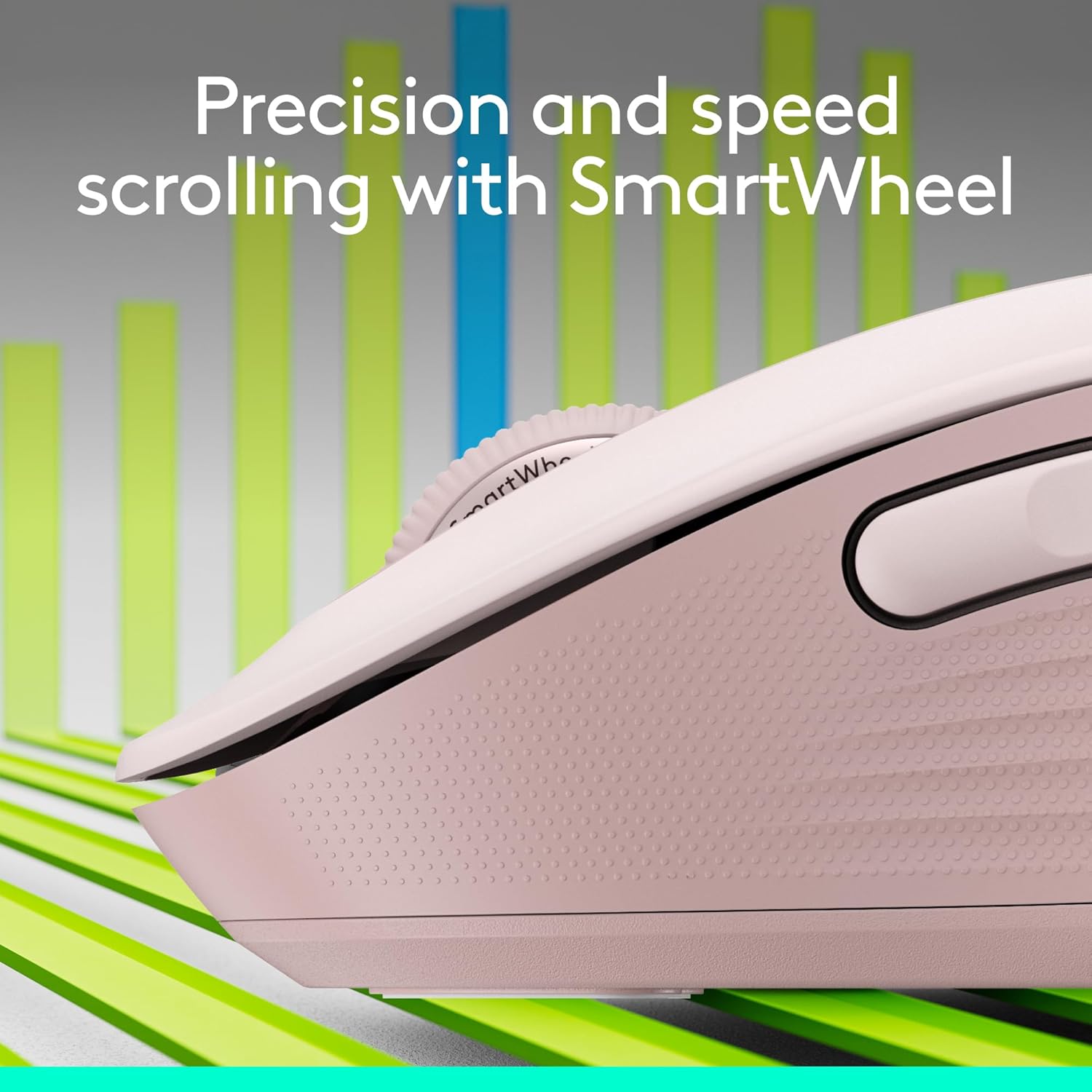
The Logitech Signature M650 Wireless Mouse offers enhanced scrolling, comfort, and productivity. This versatile mouse features an adaptive SmartWheel for precise line-by-line scrolling and rapid free-spin mode. Designed for various hand sizes, it provides seamless wireless connectivity via Bluetooth Low Energy or the Logi Bolt USB receiver. Enjoy silent clicks with SilentTouch technology and customize side buttons for your preferred shortcuts. With a long battery life and broad operating system compatibility, the M650 is built for efficient and comfortable use.
Tlhophiso
To begin using your Logitech Signature M650 Wireless Mouse, follow these simple steps:
- Kenya Betri: The mouse requires one AA battery, which is included. Open the battery compartment on the underside of the mouse and insert the AA battery.
- Choose Connection Method: You can connect the mouse via Bluetooth Low Energy or the Logi Bolt USB receiver.
- Logi Bolt USB Receiver: Locate the Logi Bolt USB receiver inside the battery compartment. Remove it and plug it into an available USB port on your computer (PC, Mac, or Chromebook). The mouse should connect automatically.
- Bluetooth Low Energy: Turn on Bluetooth on your device. On the underside of the mouse, press and hold the connect button until the LED indicator starts blinking, indicating it's in pairing mode. Select 'Logitech M650' from your device's Bluetooth settings to pair.
- Matlafatsa: Ensure the power switch on the underside of the mouse is in the 'On' position.


Setup and Feature Overview Lifitio
Litaelo tsa Ts'ebetso
The Logitech Signature M650 is designed for intuitive and efficient operation:
- SmartWheel Scrolling: The adaptive SmartWheel provides two modes. For precise line-by-line navigation in documents or spreadsheets, scroll slowly. For rapid navigation through long web pages or documents, flick the wheel to activate super-fast free-spin mode.
- Customizable Side Buttons: The two side buttons can be customized using Logitech Options+ software (available on Windows and macOS). Assign your favorite shortcuts, such as back/forward navigation or copy/paste functions, to enhance your workflow.
- Ho tobetsa ka khutso: Benefit from 90% less click noise thanks to Logitech's SilentTouch technology, allowing for a quieter work environment.
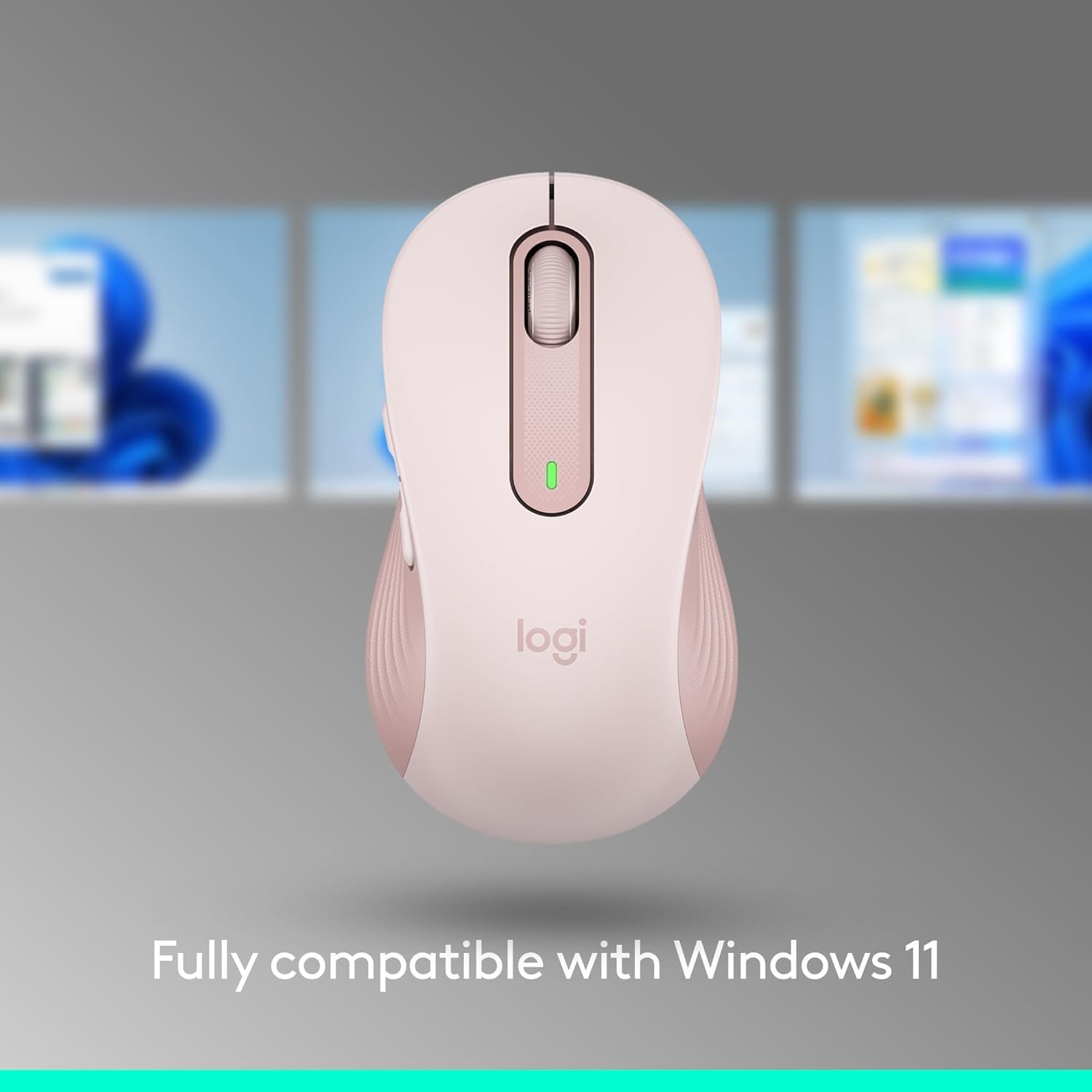
- Tšebelisano: The mouse is fully compatible with Windows 11, macOS, Chrome OS, and Linux.


Tlhokomelo
To ensure the longevity and optimal performance of your Logitech Signature M650 Wireless Mouse, consider the following maintenance tips:
- Phetoho ea Betri: The mouse boasts an average battery life of 24 months. When the battery indicator light turns red, it's time to replace the single AA battery.
- Ho hloekisa: Use a soft, lint-free cloth to gently wipe the surface of the mouse. For optical sensor cleaning, use a dry cotton swab. Avoid using harsh chemicals or abrasive materials.
- Polokelo: When not in use for extended periods, turn off the mouse using the power switch on the underside to conserve battery life. Store the Logi Bolt USB receiver inside the battery compartment to prevent loss.

Moralo oa Sehlahisoa le Likarolo
The Signature M650 is thoughtfully designed with user comfort and environmental responsibility in mind:
- Moralo oa Ergonomic: The mouse features a contoured shape, soft thumb area, and rubber side grips to provide long hours of comfort. It is available in different sizes to suit small-to-medium and large hands.
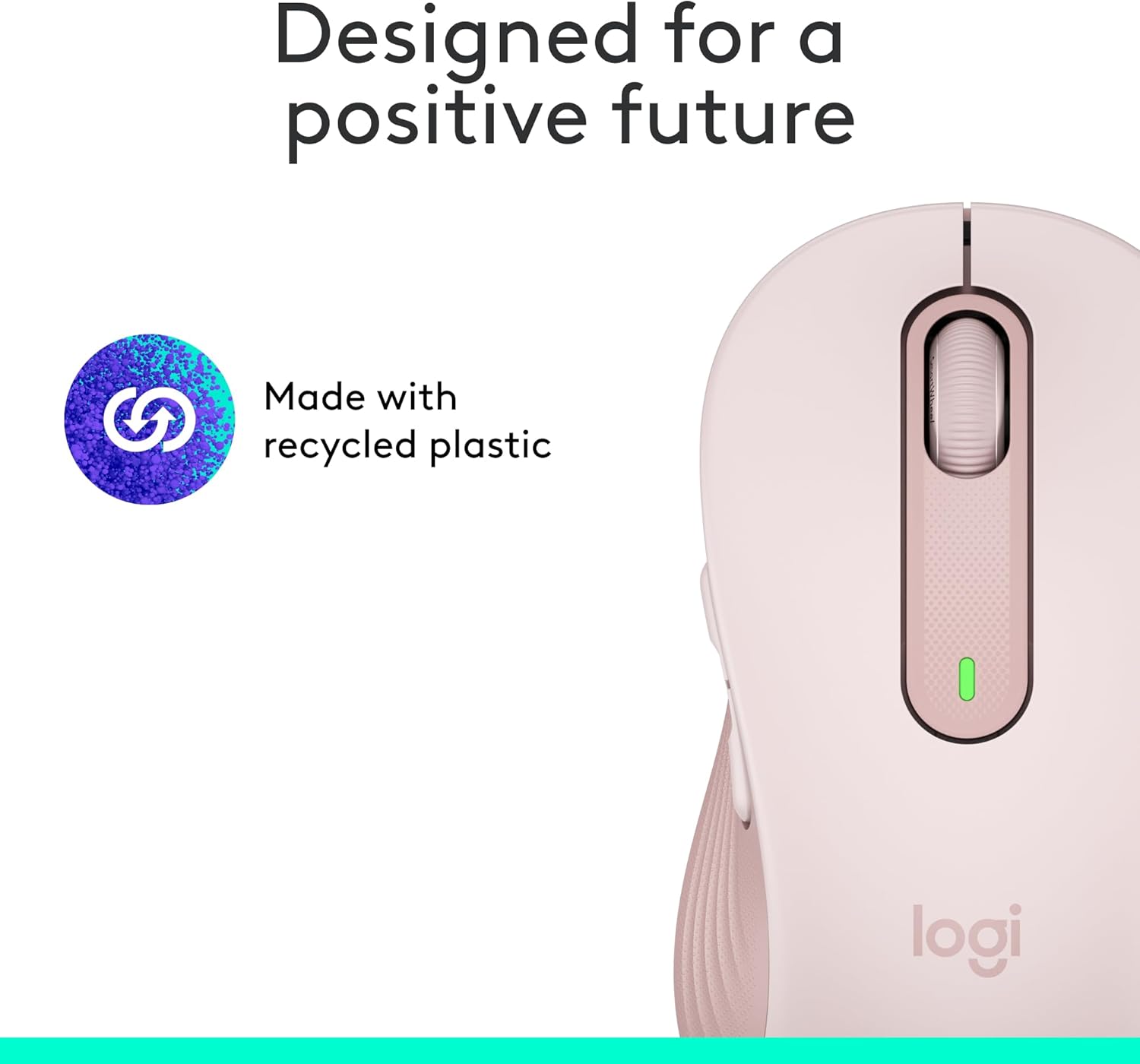
- Lisebelisoa tsa Moshoelella: The M650 is made with recycled plastic, contributing to a more positive future.


Litlhaloso
| Brand | Logitech |
| Nomoro ea Mohlala | 910-006251 |
| Theknoloji ea Khokahano | Bluetooth, Radio Frequency (Logi Bolt USB) |
| Theknoloji ea ho Khetholla Movement | Optical |
| Karolelano ea Bophelo ba Battery | 24 months (1 AA battery included) |
| Boima ba Ntho | 3.57 lik'hilograma |
| Litekanyo tsa Sehlahisoa (LxWxH) | 4.22 x 2.43 x 1.49 lisenthimithara |
| Sethala sa Hardware | Linux, Mac, PC |
| Mokhoa oa tšebetso | Chrome OS, Linux |
| Likarolo Tse Khethehileng | Lightweight, Portable, Soundless, Wireless |
Warranty le Tšehetso
Bakeng sa tlhahisoleseding ea tiisetso le tšehetso ea tekheniki, ka kopo sheba Logitech ea semmuso website or contact Logitech customer service. The product includes a 24-month battery life, which may vary based on user and computing conditions.