1. Selelekela
Kea leboha ha u rekileasing the 2BOOM BX390 Bass King Wireless Bluetooth Boombox Stereo Speaker. This manual provides essential information for setting up, operating, and maintaining your speaker to ensure optimal performance and longevity. Please read this manual thoroughly before using the product.

Image 1.1: The 2BOOM BX390 Bass King Wireless Bluetooth Boombox Stereo Speaker.
This image shows the 2BOOM BX390 Bass King speaker in blue, featuring a cylindrical design with a handle/strap attached. The front panel displays the control interface and speaker grille.
2. Likahare tsa Sephutheloana
Ka kopo, sheba sephutheloana sa lintho tse latelang:
- 1 x 2BOOM BX390 Bass King Speaker
- 1 x 3.5mm Cable ea Aux
- 1 x thapo ea ho tjhaja USB
- 1 x Buka ea Mosebelisi (tokomane ena)
- 1 x Attachable Shoulder Strap

Image 2.1: The 2BOOM BX390 speaker shown with its detachable shoulder strap, 3.5mm Aux cable, and USB charging cable.
This image displays the blue 2BOOM BX390 speaker from an angled perspective, highlighting the included shoulder strap attached to its side rings. The USB charging cable and 3.5mm Aux cable are visible in the foreground.
3. Likarolo tsa lihlahisoa
- Powerful Bass Sound: Equipped with 4-inch subwoofers and vibrating disks for crisp, clear, loud sound, booming low tones, and dynamic sound effects.
- Khokahano ea Bluetooth: Connects wirelessly to smartphones, tablets, and other Bluetooth-enabled devices up to 33 ft.
- Microphone e hahelletsoeng ka hare: Supports hands-free calls.
- Moralo o tšoarellang le o nkehang habonolo: Features a rugged, rubberized exterior and an attachable strap for easy carrying.
- Mekhoa e Mengata ea ho Kena: Includes FM Radio, Aux-in Line, USB port, and SD Card slot.
- Panel e Kopantsoeng ea Taolo: Direct control over volume, bass, and sound equalizer.

Image 3.1: The 2BOOM BX390 speaker with visual callouts for Deep Digital Bass, FM Radio, Long-Lasting Battery, and Straps Included.
This image shows the blue 2BOOM BX390 speaker from the front, with graphic overlays pointing out its key features: deep digital bass, FM radio capability, long-lasting battery, and the inclusion of straps for portability.
4. Litaolo le Likou
Familiarize yourself with the control panel and input ports of your BX390 speaker:

Image 4.1: Detailed diagram of the 2BOOM BX390 control panel and input ports.
Setšoantšo sena se fana ka tlhaloso e haufi view of the speaker's front panel, clearly labeling each button, port, and indicator. Labels include USB, DC 5V (charging), AUX, Previous, Play/Pause, Next, Mode, EQ, SD card slot, LED display, Power ON/OFF switch, Volume controls, and Bass controls.
- Boema-kepe ba USB: Bakeng sa ho bapala ka drive ea USB.
- DC 5V (Charging Port): Connect the USB charging cable here to charge the speaker.
- Kenyo ea AUX: 3.5mm jack for connecting external audio devices via an Aux cable.
- Previous / Volume -: Short press for previous track; long press to decrease volume.
- Bapala/Emisa: Press to play or pause audio. In FM mode, short press to auto-scan.
- Next / Volume +: Short press for next track; long press to increase volume.
- Mokhoa: Press to switch between Bluetooth, FM Radio, USB, SD Card, and AUX modes.
- EQ (Equalizer): Press to cycle through different equalizer presets.
- Sebaka sa Karete ea SD: Insert an SD card for audio playback.
- Pontšo ea LED: Shows current mode, track number, or FM frequency.
- Matla ON / Off switjha: Slide to turn the speaker on or off.
- Buka ea +/-: Likonopo tsa ho eketsa kapa ho fokotsa molumo ka kakaretso.
- Bess +/-: Buttons to increase or decrease the bass level.
5. Seta
5.1 Ho lefisa Sebui
Before first use, fully charge the speaker. Connect the supplied USB charging cable to the DC 5V port on the speaker and the other end to a USB power adapter (not included) or a computer's USB port. The LED display may indicate charging status.
- Charging time may vary.
- Disconnect the charger once fully charged to preserve battery life.
5.2 Ho Matlafatsa/Ho tima
To turn the speaker ON, slide the Power ON/OFF switch to the 'ON' position. You will hear an audible prompt, and the LED display will light up.
To turn the speaker TLOA, slide the Power ON/OFF switch to the 'OFF' position.
6. Litaelo tsa Ts'ebetso
Mokhoa oa 6.1 oa Bluetooth
The speaker automatically enters Bluetooth pairing mode when powered on if no other input source is connected, or after pressing the MOKHOA button until "Bluetooth" is indicated.
- Netefatsa hore sebui se buletsoe.
- Sesebedisweng sa hao se dumelletsweng ke Bluetooth (smartphone, tablet, jj.), bulela Bluetooth mme o batle disebediswa tse teng.
- Khetha "2BOOM BX390" or similar from the list.
- Once paired, the speaker will confirm with an audible prompt.
- Jwale o ka bapala modumo ho tswa sesebedisweng sa hao ka sebui.
Hlokomela: Sebui se tla hokela hape ka bohona sesebelisoa sa ho qetela se kopantsoeng haeba se le haufi le sebaka seo 'me Bluetooth e butsoe.
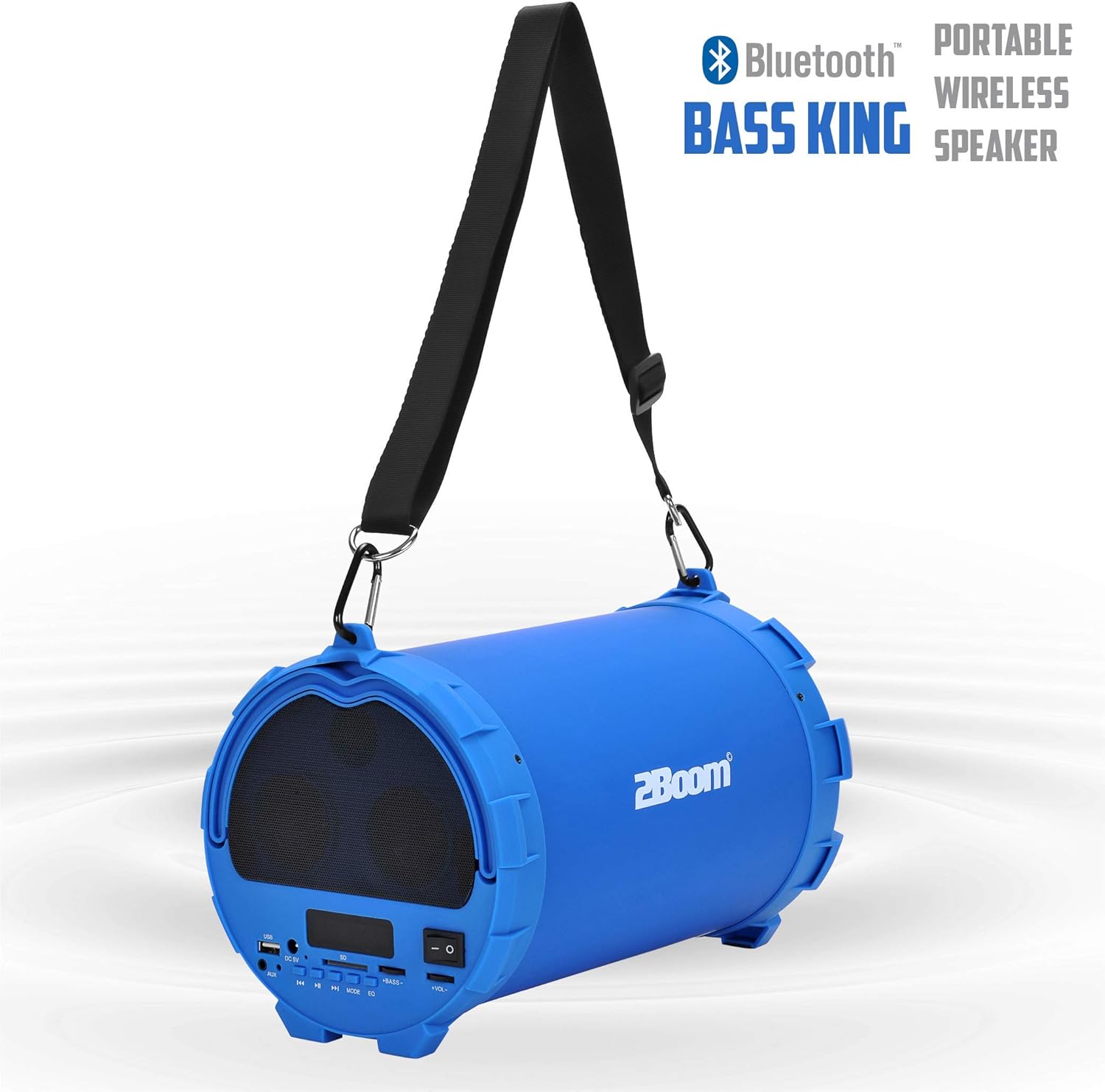
Image 6.1: The 2BOOM BX390 speaker highlighting its Bluetooth connectivity.
This image shows the blue 2BOOM BX390 speaker with a prominent "Bluetooth" logo and "PORTABLE WIRELESS BASS KING SPEAKER" text, emphasizing its wireless audio capabilities.
6.2 Mokhoa oa seea-le-moea oa FM
To switch to FM Radio mode, press the MOKHOA button until "FM" or the radio frequency is displayed.
- In FM mode, short press the Bapala/Emisa button to automatically scan and save available FM stations. The speaker will cycle through frequencies and store them.
- Sebelisa le E fetileng le E 'ngoe buttons to navigate between saved stations.
- For better reception, extend the antenna (if applicable, or reposition the speaker).
6.3 USB / SD Card Mode
The speaker supports audio playback from USB flash drives and SD cards.
- Kenya flash drive ea USB kahare Boema-kepe ba USB or an SD card into the Slot ea karete ea SD.
- The speaker will automatically switch to the corresponding mode (USB or SD) and begin playing audio files. If not, press the MOKHOA konopo ho khetha.
- Sebelisa le E fetileng, Bapala/Emisa, le E 'ngoe likonopo ho laola ho bapala.
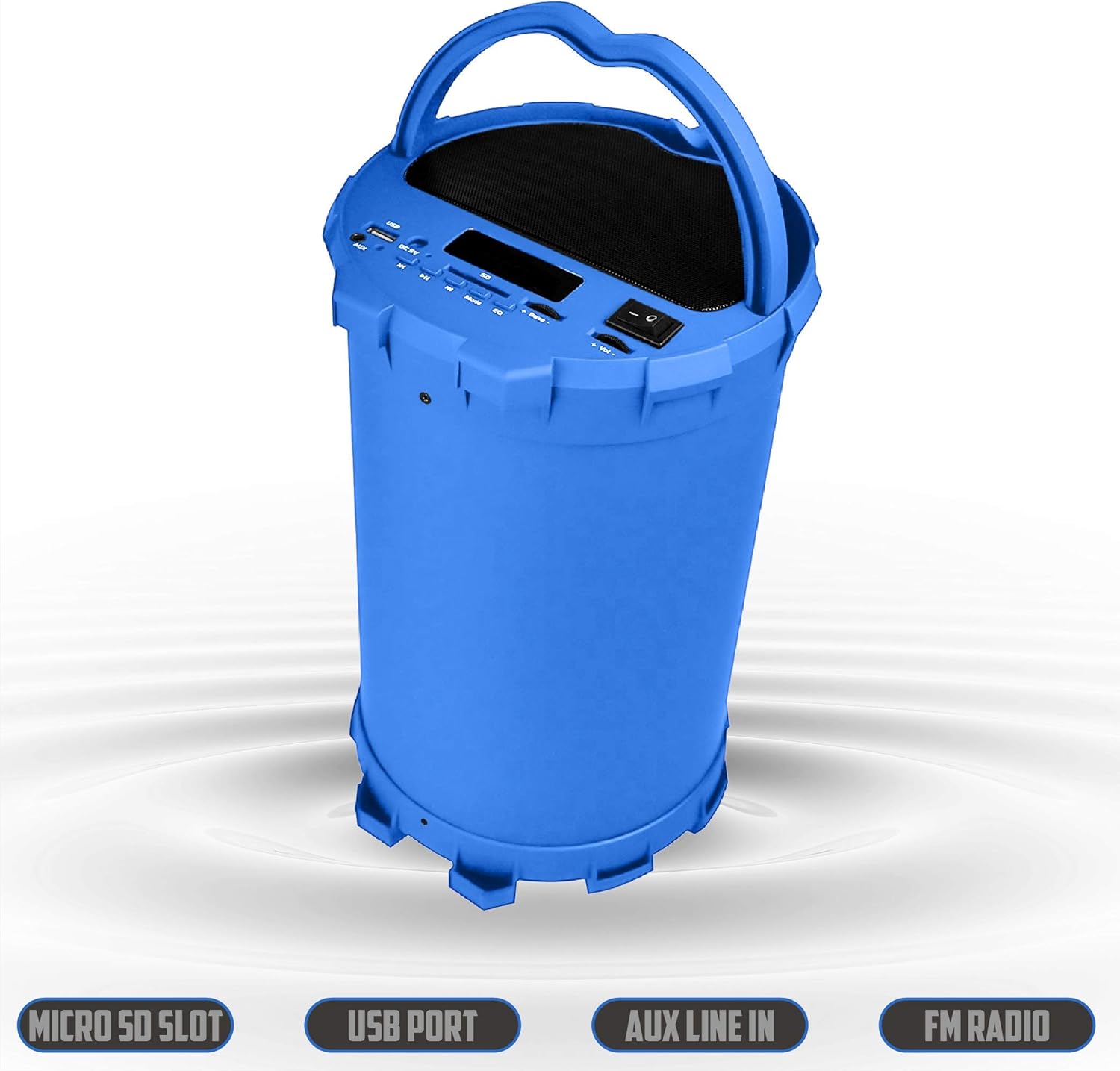
Image 6.2: The 2BOOM BX390 speaker shown upright, emphasizing the Micro SD Slot, USB Port, Aux Line In, and FM Radio capabilities.
This image displays the blue 2BOOM BX390 speaker in an upright position, with graphic overlays highlighting the Micro SD Slot, USB Port, Aux Line In, and FM Radio features on its control panel.
6.4 Mokhoa oa ho Kena oa AUX
Connect external audio devices (e.g., MP3 players, computers) using the supplied 3.5mm Aux cable.
- Connect one end of the 3.5mm Aux cable to the Keketso ea AUX boemakepe hodima sebui.
- Hokela pheletsong e 'ngoe ho jeko ea audio ea sesebelisoa sa hau sa kantle.
- The speaker will automatically switch to AUX mode. If not, press the MOKHOA konopo ho khetha.
- Laola ho bapala ho sesebelisoa sa hau sa kantle.
6.5 Adjusting Volume, Bass, and Equalizer
- Bolumo: Sebelisa le Buka ea +/- buttons (long press Previous/Next) to increase or decrease the overall volume.
- Bass: Sebelisa le Bess +/- buttons to adjust the bass level to your preference.
- Tekanyo (EQ): Tobetsa ea EQ button to cycle through various preset equalizer modes (e.g., Pop, Rock, Jazz, Classical, Normal) to optimize sound for different music genres.
7. Tlhokomelo
- Ho hloekisa: Sebelisa lesela le bonolo, le omileng ho hlwekisa bokantle ba sebui. O se ke wa sebedisa dihlwekisi tse kgohlang kapa dihlapolli.
- Polokelo: Beha sebui sebakeng se pholileng, se omileng hole le khanya ea letsatsi le mocheso o feteletseng ha se sa sebelisoe ka nako e telele.
- Tlhokomelo ea Betri: Ho lelefatsa bophelo ba betri, qoba ho ntsha betri ka botlalo kgafetsa. Tjhaja sebui kgafetsa, leha se sa sebediswe.
- Mathata a Metsi: This speaker is not waterproof. Avoid exposure to water or excessive moisture.
8. Ho rarolla mathata
| Bothata | Lebaka le ka khonehang | Tharollo |
|---|---|---|
| Ha ho matla | Betri e tlase kapa e shoele. | Charge the speaker fully using the supplied USB cable. |
| Ha ho molumo | Molumo o tlase haholo; ho khethiloe mokhoa o fosahetseng; sesebelisoa ha sea hokahanngoa hantle. | Increase volume on speaker and connected device. Press MOKHOA to select correct input. Reconnect Bluetooth or Aux cable. |
| Ho hokahanya ha Bluetooth ho hlolehile | Sebui se se maemong a ho kopanya; sesebelisoa se hole haholo; tšitiso. | Ensure speaker is in Bluetooth mode. Move device closer to speaker. Turn off other Bluetooth devices. Forget "2BOOM BX390" on your device and re-pair. |
| Kamohelo e mpe ea FM | Weak signal; speaker position. | Reposition the speaker. Try auto-scanning again. |
| USB/SD card not playing | Ha e tshehetsoe file format; card/drive not inserted correctly; corrupted files. | Netefatsa files are in a supported format (e.g., MP3). Reinsert the USB drive/SD card. Try a different drive/card. |
9. Litlhaloso
| Sebopeho | Lintlha |
|---|---|
| Brand | 2BOOM |
| Mohlala | BX390 Bass King |
| Theknoloji ea Khokahano | Sesebelisoa, Bluetooth, USB |
| Mofuta oa Sebui | Setereo |
| Lisebelisoa tse lumellanang | Laptop, Smartphone, Letlapa |
| Li-subwoofers | 4-inch (Quantity not specified, but implied by "subwoofers" and "dual subwoofers" in image) |
| Bluetooth Range | Ho fihla ho 33 ft (10 metres) |
| Kenyelletso Ports | USB, SD Card, 3.5mm AUX |
| Radio | FM Radio |
10. Tiisetso le Tšehetso
The 2BOOM BX390 Bass King speaker comes with an UNLIMITED 2BOOM WARRANTY.
For warranty claims or technical support, please contact 2BOOM customer service. Refer to the product packaging or 2BOOM's official websaete bakeng sa lintlha tsa ho ikopanya.
Ka kopo, boloka bopaki ba theko ea hau molemong oa tiisetso.


