
1. Sehlahisoa Overview
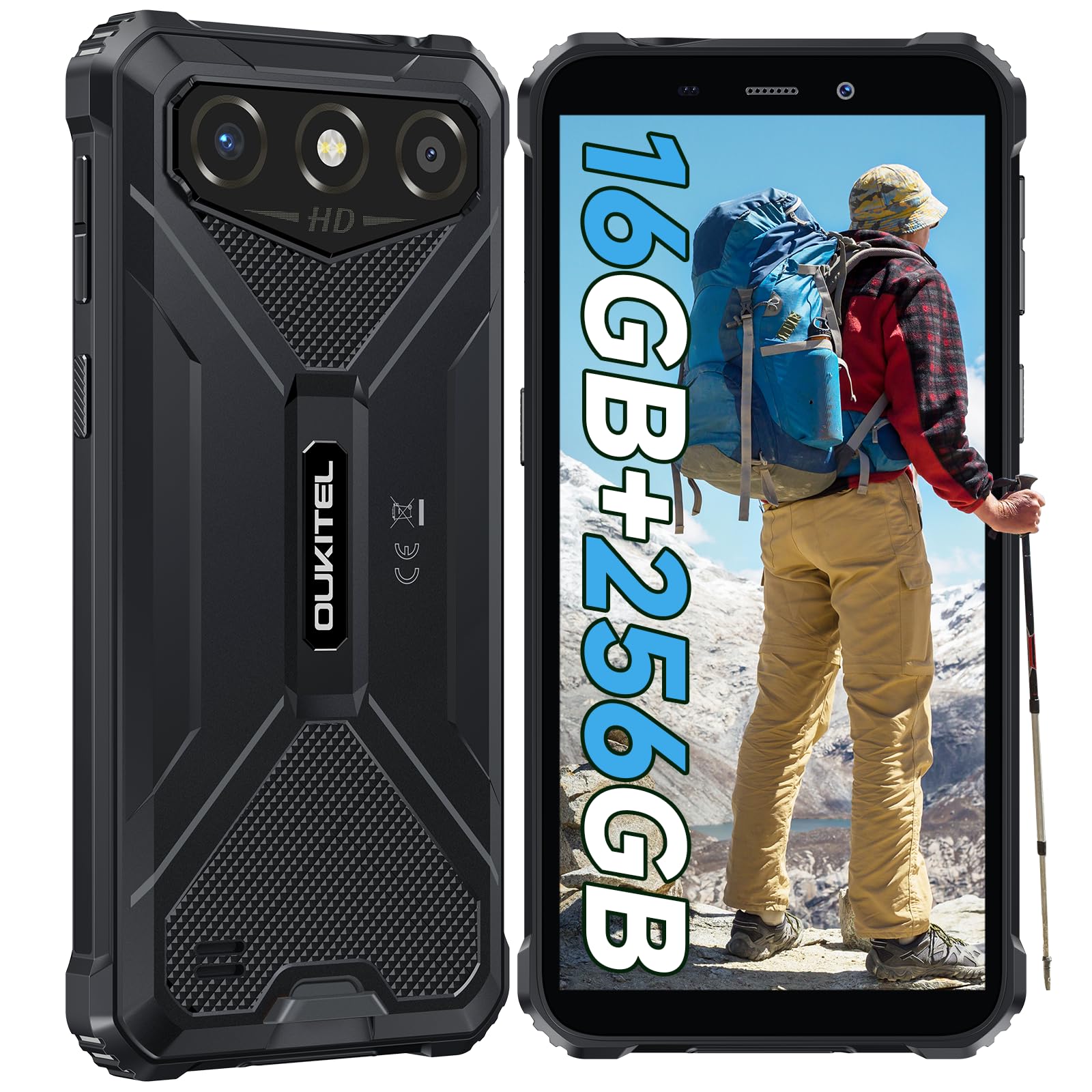
The OUKITEL G3 is a rugged smartphone designed for durability and performance in challenging environments. It features a 6.0-inch HD display, a 6300mAh battery, 16GB RAM (expandable), 256GB ROM (expandable to 1TB), and a 13MP main camera. The device is certified with IP68, IP69K, and MIL-STD-810H ratings, ensuring resistance to water, dust, and drops. It operates on Android 14 and supports 4G Dual SIM, GPS, Face ID, and OTG functionality.
2. Likahare tsa Sephutheloana
Netefatsa hore lintho tsohle li teng ka har'a sephutheloana sa hau:
- 1x OUKITEL G3 Smartphone
- 1x tjhaja
- 1x Mofuta oa C Cable
- 1x SIM Card Ejector Pin
- 1x Buka ea Mosebelisi

3. Tlhophiso ea Pele
3.1. Ho kenya dikarete tsa SIM le TF Card
- Fumana terei ea SIM card lehlakoreng la sesebelisoa.
- Use the provided SIM ejector pin to open the tray.
- Carefully place your Nano SIM cards (up to two) and/or a TF card (for memory expansion up to 1TB) into the designated slots.
- Netefatsa hore likarete li shebane hantle joalo ka ha ho bontšitsoe tereing.
- Ka bonolo sutumelletsa terei fonong ho fihlela e tobetsa sebakeng.

3.2. Ho tjhaja Betri
Before first use, fully charge the device. Connect the Type-C cable to the phone's charging port and the other end to the provided charger. Plug the charger into a power outlet. The battery indicator on the screen will show charging status. The OUKITEL G3 features a 6300mAh battery for extended use.
3.3. Ho tima/Ho tima
- To power on: Press and hold the Power button until the OUKITEL logo appears.
- To power off: Press and hold the Power button, then select "Power off" from the options on the screen.
- Ho qala botjha: Tobetsa o tshware konopo ya Power, ebe o kgetha "Qala botjha" ho tswa dikgethong.
4. Litaelo tsa Ts'ebetso
4.1. Pontsho le ho Tsamaisa
The OUKITEL G3 features a 6.0-inch HD display with 450 nits brightness and Corning Glass 5 protection. Navigate the Android 14 interface using touch gestures: tap, swipe, pinch-to-zoom. Access quick settings by swiping down from the top of the screen.

4.2. Mesebetsi ea Khamera
The device is equipped with a 13MP rear camera and a 5MP front camera. Open the Camera app to capture photos and videos. Features include:
- Standard Photo Mode: For everyday photography.
- AI Beauty Mode: Enhances facial features in portraits.
- Underwater Camera Mode: Allows capturing photos and videos while submerged up to 1.5m for 30 minutes. Ensure all ports are securely sealed before underwater use.
- Mokhoa oa Panorama: For wide-angle landscape shots.

4.3. Battery Management and OTG
The 6300mAh battery provides extended usage. To optimize battery life, manage screen brightness, close unused applications, and enable power-saving modes when needed. The device supports OTG (On-The-Go) reverse charging, allowing you to use your OUKITEL G3 to charge other compatible devices via a Type-C OTG cable (sold separately).

4.4. Custom Key and Security Features
- Senotlolo se Tloaelehileng: A programmable button on the side of the device for quick access to specific applications or functions. Configure its actions (single click, double click, long press) in the phone settings.
- ID ea sefahleho: Use facial recognition for secure unlocking of your device. Set up Face ID in the Security settings.
- GPS Navigation: The OUKITEL G3 supports GPS, GLONASS, Beidou, and Galileo navigation systems for accurate positioning.

5. Tlhokomelo le ho Tšoarella
The OUKITEL G3 is built to withstand harsh conditions, certified with IP68, IP69K, and MIL-STD-810H standards.
- IP68 e Thibela Metsi: Protected against continuous immersion in water up to 1.5 meters for 30 minutes. Ensure all port covers are tightly sealed before exposure to water.
- IP69K Dust Resistance: E sirelelitsoe ka botlalo khahlanong le ho kena ha lerōle le li-jet tsa metsi tse nang le khatello e phahameng le mocheso o phahameng.
- MIL-STD-810H Drop Resistance: Designed to withstand drops from up to 1.5 meters. The aluminum frame and rubberized corners provide enhanced shock absorption.
Ho hloekisa sesebelisoa, sebelisa bonolo, damp cloth. Avoid harsh chemicals or abrasive materials. Regularly check port covers for proper sealing to maintain water and dust resistance.

6. Ho rarolla mathata
If you encounter issues with your OUKITEL G3, refer to the following common solutions:
| Bothata | Tharollo e ka khonehang |
|---|---|
| Sesebelisoa ha se sebetse | Netefatsa hore betri e tjhajilwe. Hokela tjhaja mme o eme metsotso e mmalwa pele o leka ho bula hape. |
| Letšoao le fokolang la marang-rang | Check if SIM cards are correctly inserted. Move to an area with better network coverage. Contact your service provider if the issue persists. |
| Lisebelisoa li soahlamana kapa lia hoama | Close background applications. Clear the cache of the problematic app. Restart the device. Ensure sufficient storage space is available. |
| Betri e tsoa kapele | Reduce screen brightness. Disable unused features like Wi-Fi, Bluetooth, GPS. Close power-intensive apps. Check battery usage in settings to identify culprits. |
| The touchscreen ha e arabele | Restart the device. If the issue persists, perform a factory reset (backup data first). |
7. Lintlha tsa Setegeniki
| Sebopeho | Lintlha |
|---|---|
| Brand | OUKITEL |
| Mohlala | G3 |
| Mokhoa oa tšebetso | Android 14 |
| RAM | 4GB (expandable to 16GB virtual RAM) |
| Polokelo ea ka Hare (ROM) | 256GB |
| Polokelo e Atolositsoeng | Ho fihlela ho 1TB (karete ea TF) |
| Boholo ba Pontšo | 6.0 inch |
| Qeto ea Pontšo | HD (450 nits brightness, Corning Glass 5) |
| Refresh Rate | 60Hz |
| Khamera e ka morao | 13 megapixels |
| Khamera e ka pele | 5 megapixels |
| Bokhoni ba Battery | 6300 mAh |
| Boema-kepe ba ho tjhaja | USB Type-C |
| Litlhahlobo tsa ho Tšoarella | IP68, IP69K, MIL-STD-810H |
| Tšehetso ea SIM Card | Dual 4G Nano SIM |
| Navigation | GPS, GLONASS, Beidou, Galileo |
| Tšireletso ea Biometric | ID ea sefahleho |
| Jack Audio | 3.5 limilimithara |
For detailed energy efficiency information, please refer to the EU EPREL database: https://eprel.ec.europa.eu/qr/2400970

8. Tiisetso le Tšehetso
OUKITEL provides the following support for the G3 smartphone:
- LEANO LA THEPA E KHUTLISOANG: 30-day no-reason return.
- Tiisetso: TWO-YEAR warranty.
- Tšehetso ea tekheniki: Long-term technical assistance.
- Tšebeletso ea bareki: 24-hour online customer service.
For any inquiries or support, please contact OUKITEL official customer service.