
Selelekela
This manual provides detailed instructions for the setup, operation, and maintenance of your Ratakee Digital Alarm Clock Radio H249. Please read this manual thoroughly before using the device to ensure proper functionality and to maximize your user experience. This device features a large LED display, dual alarms, AM/FM radio with presets, adjustable alarm volume, sleep timer, and display dimmer.

Setšoantšo: Pele view of the Ratakee Digital Alarm Clock Radio H249, displaying the time 12:00 PM in blue LED digits.
Likarolo tsa Sehlahisoa Fetaview
- Pontšo e kholo ea LED: 6.6-inch screen with 1.6-inch blue LED numbers for clear visibility.
- Lialamo tse peli: Set two independent alarms with options for beep or radio wake-up.
- Radio ea AM/FM: Digital tuning with frequency ranges FM 87.5-108MHz and AM 520-1710KHz.
- Litlhophiso tsa Seteishene: Save up to 20 AM and 20 FM stations for quick access.
- Molumo oa Alamo o Fetohang: Alarm volume can be set from levels 5 to 15.
- Nako ea Boroko: Program the radio to turn off automatically after 10-90 minutes.
- Hlahisa Dimmer: Four brightness levels for the LED display.
- Mosebetsi: E fana ka metsotso e 9 e eketsehileng ea boroko.
- Boloka Battery: 2 AAA batteries (not included) preserve time and alarm settings during power outages.
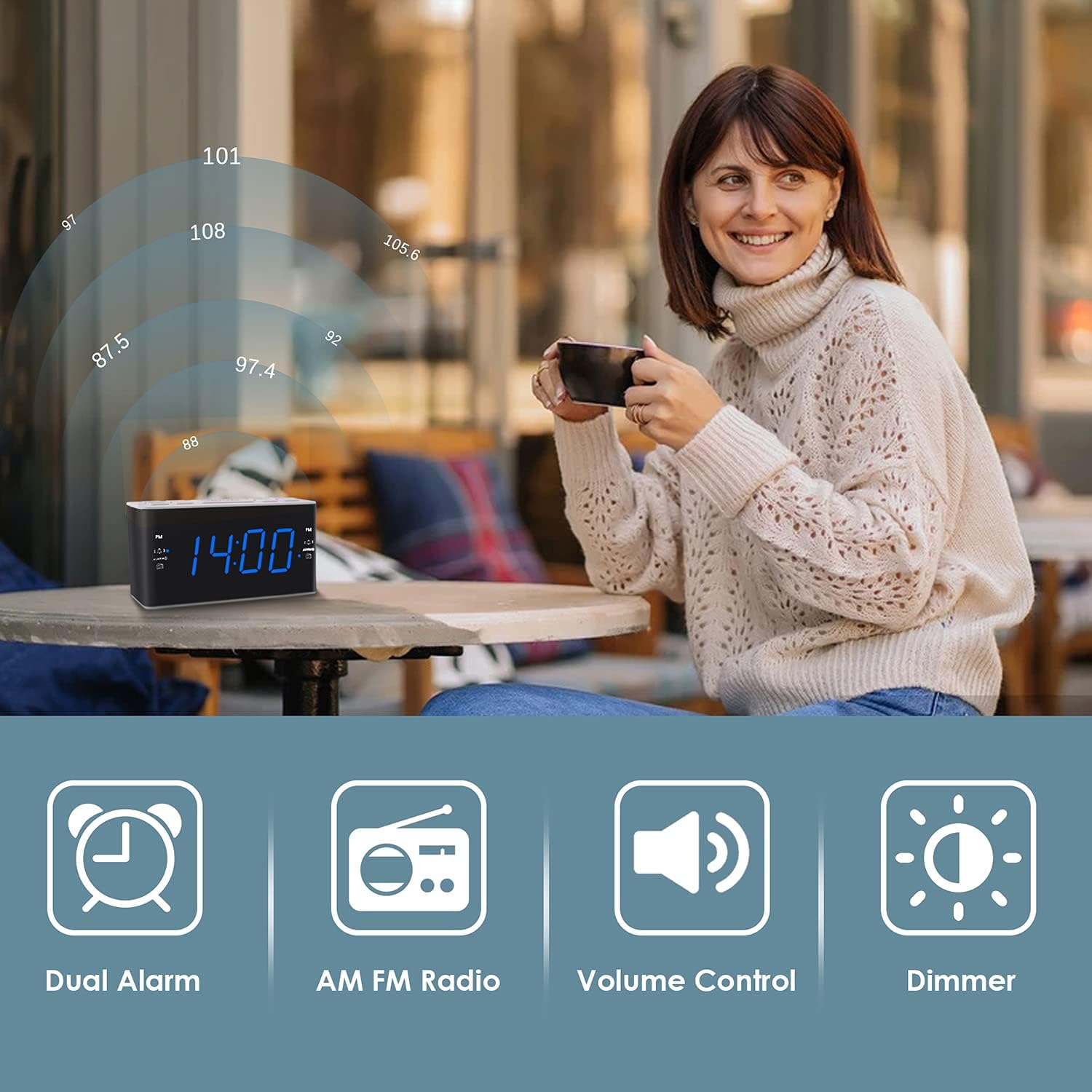
Image: Visual representation of the alarm clock's main features: Dual Alarm, AM FM Radio, Volume Control, and Dimmer, with a woman enjoying music in the background.
Tlhophiso
1. Khokelo ea Matla
The Ratakee H249 operates on AC power. Connect the provided power cord to the clock radio and then plug it into a standard AC 120V 60Hz wall outlet. The display will illuminate once power is supplied.
2. Betri bekapo Tlhophiso
For battery backup, insert two (2) AAA batteries (not included) into the battery compartment located on the bottom of the unit. The battery backup maintains time and alarm settings during a power interruption but does not power the clock display or radio functions.
3. Ho Beha Nako ea Pele
- Tobetsa o hatelle SETSE NAKO konopo. Dinomoro tsa dihora di tla qala ho benya.
- Sebelisa le VOL+ or VOL- dikonopo ho fetola hora. Ela hloko sesupo sa PM haeba o beha nako ya PM.
- Tobetsa ea SETSE NAKO button again. The minute digits will flash.
- Sebelisa le VOL+ or VOL- likonopo ho lokisa metsotso.
- Tobetsa ea SETSE NAKO konopo hang hape ho netefatsa le ho tsoa mokgweng wa ho seta nako.
Litaelo tsa Ts'ebetso
1. Setting Alarms (Alarm 1 and Alarm 2)
The clock radio features two independent alarms. The process is identical for both.
- Tobetsa o hatelle ALARM1 (kapa ALARM2) button. The alarm hour digits will flash.
- Sebelisa le VOL+ or VOL- buttons to set the desired alarm hour. Observe the PM indicator.
- Tobetsa ea ALARM1 (kapa ALARM2) button again. The alarm minute digits will flash.
- Sebelisa le VOL+ or VOL- dikonopo ho seta metsotso ya alamo e lakatsehang.
- Tobetsa ea ALARM1 (kapa ALARM2) button again to select the alarm source:
- Beep: A standard alarm tone.
- Radio: Wakes you up to the last tuned radio station.
- Tobetsa ea ALARM1 (kapa ALARM2) button one more time to confirm and activate the alarm. An alarm icon will appear on the display.
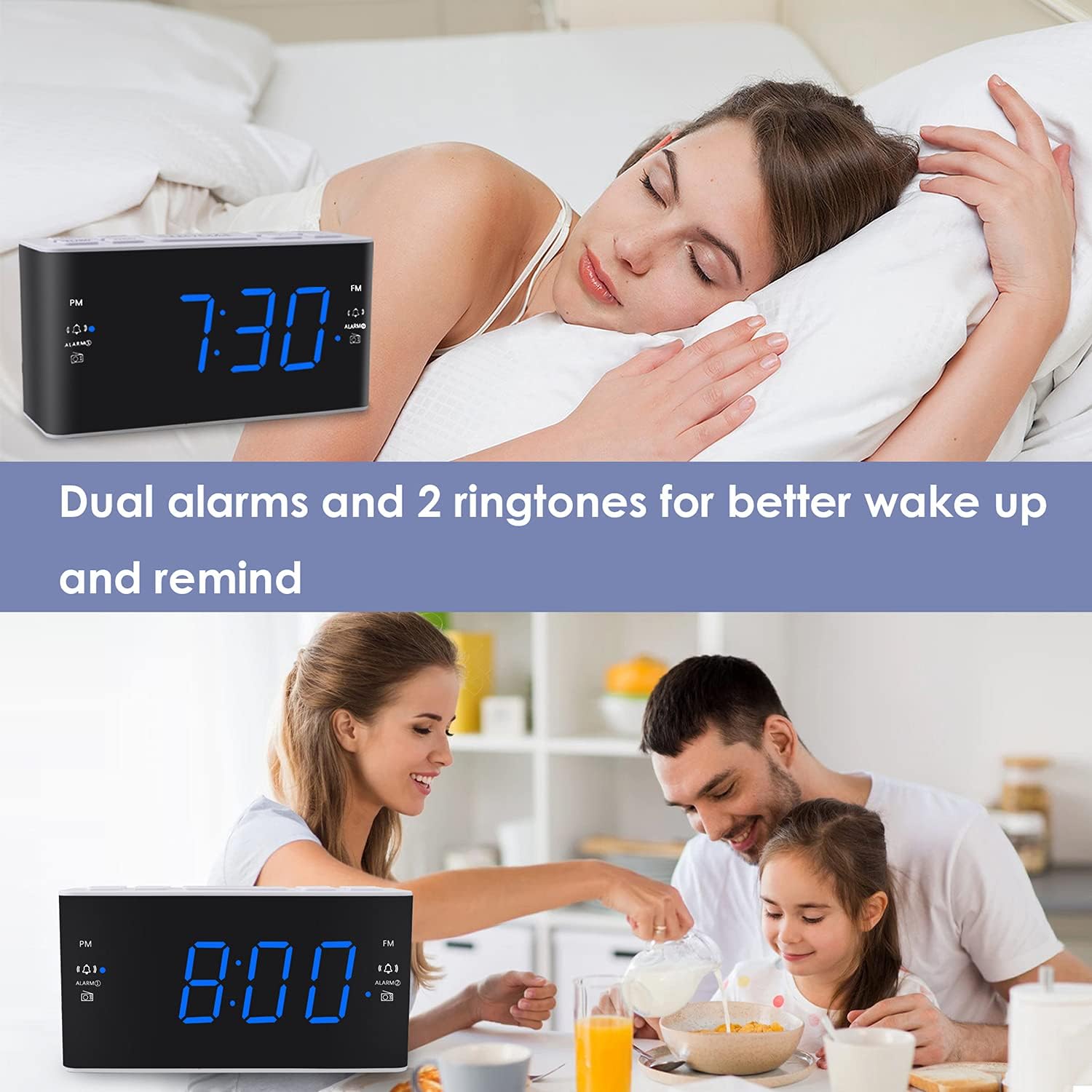
Image: The alarm clock displaying 7:30, with icons indicating dual alarms are set, positioned on a bedside table next to a person waking up.
2. Adjusting Alarm Volume
When an alarm is sounding, use the VOL+ or VOL- buttons to adjust the alarm volume between levels 5 and 15.
3. Mosebetsi oa ho Khutsisa
Ha alamo e lla, tobetsa konopo e kgolo TSOSA / FEREKA button to temporarily silence the alarm for 9 minutes. The alarm will sound again after 9 minutes. This can be repeated up to 5 times. To cancel the alarm completely, press any other button (e.g., ALARM1, ALARM2, RADIO).
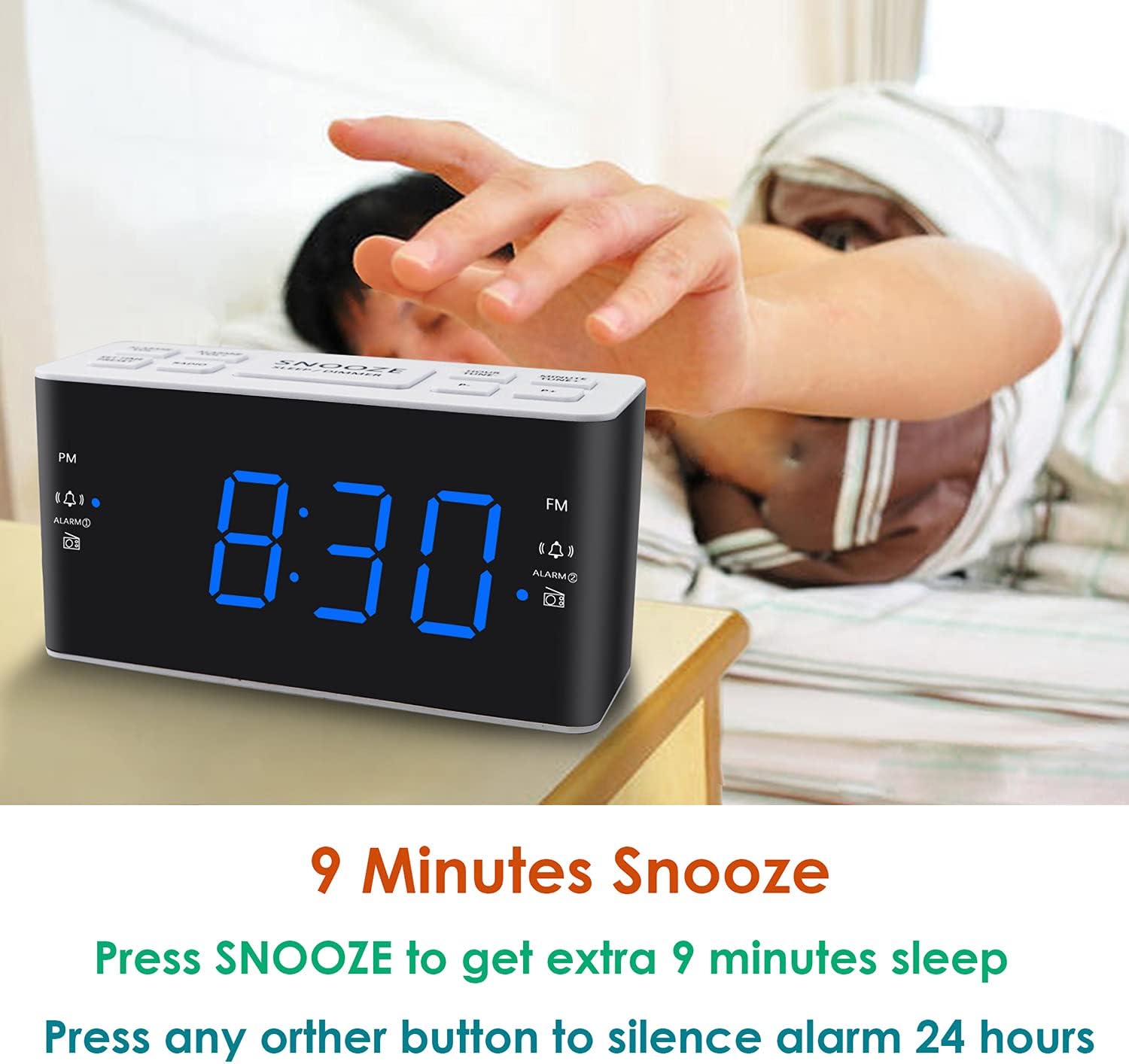
Image: A hand reaching to press the SNOOZE button on the alarm clock, which shows 8:30, illustrating the snooze function.
4. Ts'ebetso ea seea-le-moea sa AM / FM
- Tobetsa ea RELEBOHILE konopo ho bulela kapa ho tima radio.
- To tune, press the VOL+ or VOL- buttons to manually adjust the frequency. Press and hold these buttons for automatic scanning to the next available station.
- Ho seta li-Presets: While listening to a desired station, press and hold the HLOKOMELA button. The preset number will flash. Use VOL+ or VOL- to select a preset slot (P01-P20 for AM/FM). Press HLOKOMELA hape ho boloka.
- Ho hopola li-Presets: Tobetsa konopo ea HLOKOMELA konopo ea ho potoloha liteishene tse bolokiloeng.
- Adjusting Radio Volume: Sebelisa le VOL+ or VOL- buttons when the radio is on to adjust the listening volume.
5. Nako ea Boroko
Sebali sa nako ea ho robala se lumella seea-le-moea ho bapala nako e behiloeng pele e tima.
- Ha radio e ntse e bapala, tobetsa konopo ROBALA button (if available, otherwise use a combination like SNOOZE + RADIO, or refer to specific button if different).
- Khafetsa tobetsa konopo ea ROBALA button to cycle through available sleep times (e.g., 10, 20, 30, 60, 90 minutes).
- The radio will turn off automatically after the selected time.
6. Pontšo ea Dimmer
Ho lokisa kganya ya pontsho ya LED, tobetsa TSOSA / FEREKA button (when the alarm is not sounding). Each press will cycle through the four available brightness levels (High, Medium, Low, Off).

Image: The alarm clock displaying 20:00 (8 PM) with a dimmed blue LED display, illustrating the dimmer function for nighttime use.
Tlhokomelo
1. Ho hloekisa
To clean the clock radio, gently wipe the surface with a soft, dry cloth. Do not use abrasive cleaners, waxes, or solvents as these can damage the finish. Ensure the device is unplugged before cleaning.
2. Battery Replacement (Backup)
If the time and alarm settings are not retained during a power outage, the AAA backup batteries may need to be replaced. Open the battery compartment, remove the old batteries, and insert two new AAA batteries, observing the correct polarity (+/-). Close the compartment securely.
Ho batle phoso
| Bothata | Lebaka le ka khonehang | Tharollo |
|---|---|---|
| Clock display is off or not working. | Ha ho na motlakase oa AC; motlakase outage; display dimmer set to 'Off'. | Ensure the power cord is securely plugged into a live outlet. Check for power outages. Press the TSOSA / FEREKA button to adjust display brightness. |
| Time/Alarm settings are lost after a power outage. | Libetri tsa bekapo li shoele kapa ha lia kengoa. | Install two fresh AAA batteries or replace existing ones in the battery compartment. |
| Alamo ha e lle. | Alarm is not activated; alarm volume is too low; incorrect alarm time. | Ensure the alarm icon is visible on the display. Re-check alarm time and source. Adjust alarm volume (levels 5-15). |
| Kamohelo e mpe ea seea-le-moea. | Antenna ha e atolosoe; tšitiso; sesupo se fokolang. | Fully extend the FM wire antenna. Reposition the clock radio to improve reception. Avoid placing near electronic devices that may cause interference. |
| Radio presets are not saved. | Incorrect saving procedure; power interruption without backup. | Netefatsa hore o tobetsa le ho tshwara HLOKOMELA button to save, then press again to confirm. Ensure backup batteries are installed and functional to retain settings during power loss. |
Litlhaloso
| Sebopeho | Lintlha |
|---|---|
| Brand | Ratakee |
| Nomoro ea Mohlala | H249 |
| Mofuta oa Pontšo | Digital LED (Blue) |
| Mohloli oa Matla | Corded Electric (AC 120V 60Hz) |
| Backup ea Battery | 2 AAA batteries (not included) for settings retention |
| Litekanyo tsa Sehlahisoa | 6.14" W x 3.15" H x 2.17" D |
| Boima ba Ntho | 4 ounces (0.25 pounds) |
| Radio Frequency (FM) | 87.5-108 MHz |
| Radio Frequency (AM) | 520-1710 KHz |
| Likarolo Tse Khethehileng | Adjustable Brightness, Adjustable Volume, Dual Alarms, Radio, Sleep Timer |
| Lintho tse bonahalang | Plastiki |

Image: Dimensional drawing of the alarm clock, indicating its width (6.14in), height (3.15in), and depth (2.17in).
Warranty le Tšehetso
Boitsebiso ba Warranty
This Ratakee Digital Alarm Clock Radio H249 comes with a Tiisetso e lekantsoeng ea selemo se le seng ho tloha ka letsatsi la theko. Ho feta moo, a Tiisetso ea ho khutlisa chelete ea matsatsi a 90 is offered. This warranty covers manufacturing defects and malfunctions under normal use. It does not cover damage caused by misuse, accidents, unauthorized modifications, or external factors.
Tšehetso ea Bareki
For technical assistance, troubleshooting not covered in this manual, or warranty claims, please contact Ratakee customer support through the retailer's platform or the contact information provided with your purchase. Please have your model number (H249) and purchase date available when contacting support.