
1. Selelekela
Thank you for choosing the Intelbras PFL7560 Full HD Wi-Fi Projector. This projector is designed to deliver a high-quality visual and audio experience for various applications, from home cinema to business presentations. It features Full HD resolution, 8000 lumens brightness, and integrated 12W stereo speakers. This manual provides essential information for safe and efficient operation of your projector.
2. Boitsebiso ba Tšireletseho
Ka kopo bala litaelo tsohle tsa polokeho ka hloko pele u sebelisa projeke. Boloka bukana ena bakeng sa tšebeliso ea nako e tlang.
- Phepelo ea motlakase: Use only the power adapter provided with the projector. Ensure the voltage tsamaisana le phepelo ea motlakase sebakeng sa heno.
- Moea oa moea: Do not block the ventilation openings. Ensure adequate space around the projector for proper airflow to prevent overheating.
- Sebaka: Beha projektara sebakeng se tsitsitseng, se bataletseng. Qoba ho e beha letsatsing le tobileng, haufi le mehloli ea mocheso, kapa libakeng tse nang le mongobo o phahameng kapa lerōle.
- Tšireletso ea Mahlo: U se ke ua sheba ka ho toba lense ea projector ha lamp e butsoe, kaha khanya e khanyang e ka baka tšenyo mahlong.
- Ho hloekisa: Unplug the projector before cleaning. Use a soft, dry cloth. Do not use liquid or aerosol cleaners.
- Litšebeletso: Do not attempt to repair the projector yourself. Refer all servicing to qualified service personnel.
3. Likahare tsa Sephutheloana
Netefatsa hore lintho tsohle li teng ka har'a sephutheloana:
- Intelbras PFL7560 Projector Unit
- Remote Control
- Motlakase oa Motlakase
- Bukana ea Mosebelisi
4. Sehlahisoa Overview
Familiarize yourself with the main components and ports of your Intelbras PFL7560 projector.
4.1. Projector Components

Image: Intelbras PFL7560 Projector with included remote control.
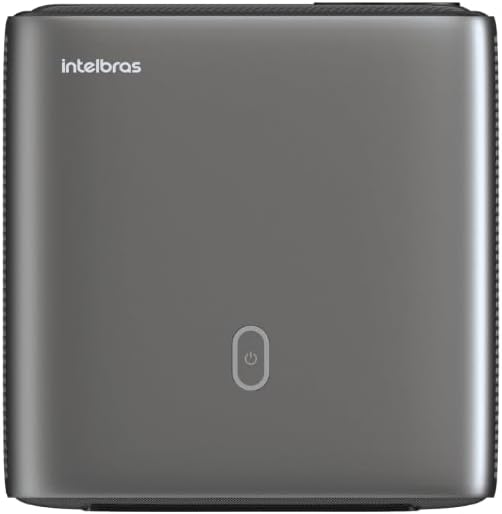
Setšoantšo: Holimo view of the projector, highlighting the power button and sleek design.
4.2. Maemakepe le Khokahano
The projector offers multiple connectivity options:
- HDMI: For connecting high-definition devices such as laptops, gaming consoles, or Blu-ray players.
- USB: Bakeng sa ho hokela lisebelisoa tsa polokelo ea USB ho bapala media files ka ho toba.
- Wi-Fi (802.11 ac/b/g/n): For wireless connectivity and screen mirroring from compatible Android devices.
- Audio tsoa: Bakeng sa ho hokela ditsamaiso tsa modumo tsa kantle kapa di-headphone.
5. Seta
5.1. Ho beoa
Choose a suitable location for your projector. The PFL7560 can project images from 60 to 150 inches, making it versatile for various room sizes. Ensure the projector is placed on a stable surface and is not obstructed.
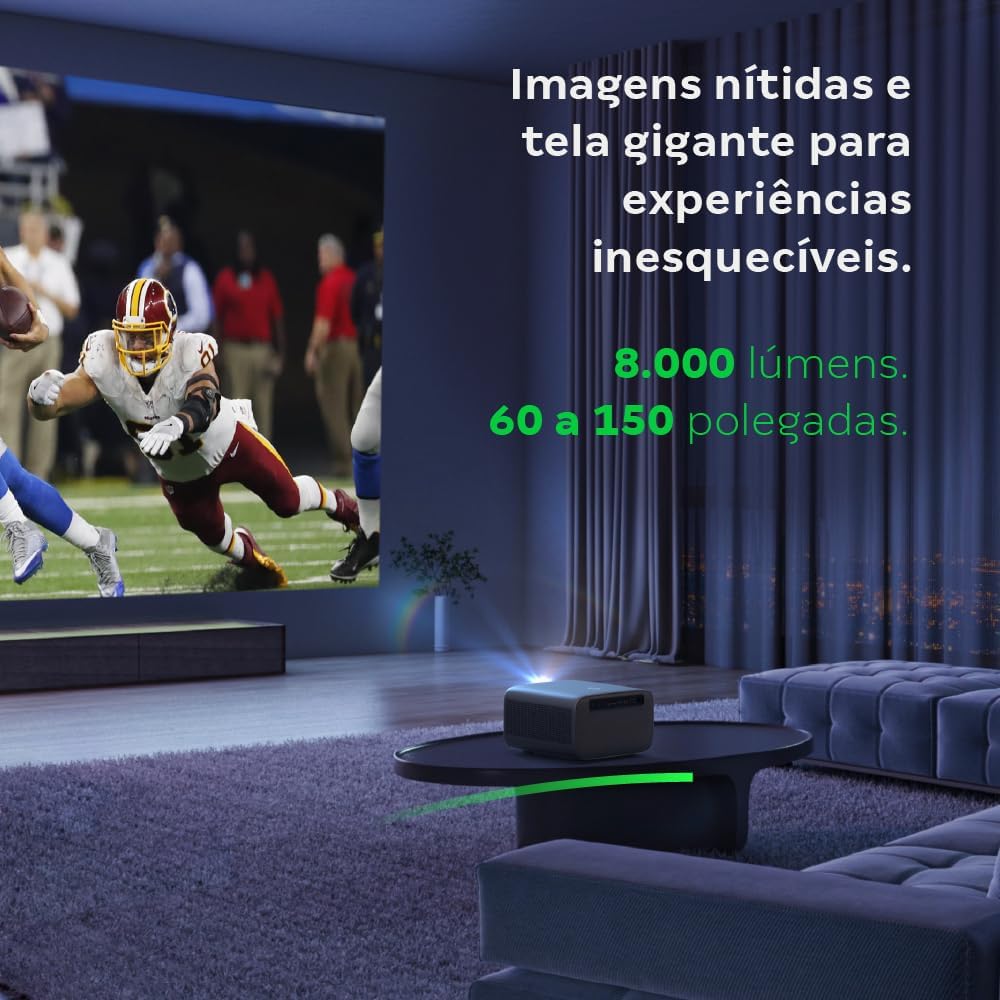
Image: The projector creating a large, clear image in a home environment, demonstrating its capability for immersive viewng.
5.2. Khokelo ea Matla
Hokela thapo ea motlakase ho motlakase o kenang oa projektara ebe u e hokela ho sokete ea motlakase.
5.3. Matla a Pele a Buletsoe
Press the power button on the projector or the remote control to turn on the device. The projector will initiate its startup sequence.
5.4. Tsepamiso le Tokiso ea Lejoe la Sehlooho
The PFL7560 features automatic focus and keystone correction for a perfectly aligned and sharp image without manual effort. If manual adjustment is needed, refer to the on-screen display (OSD) menu.
6. Litaelo tsa Ts'ebetso
6.1. Ho Hokela Lisebelisoa
- HDMI: Connect your device using an HDMI cable to the HDMI port on the projector. Select the corresponding HDMI input from the projector's source menu.
- USB: Insert a USB drive into the USB port. The projector's media player will typically detect the drive automatically, allowing you to browse and play files.
- Wi-Fi / Screen Mirroring: For compatible Android devices, enable screen mirroring on your device and select the projector from the available devices. Ensure both devices are connected to the same Wi-Fi network.
6.2. Phatlalatso ea Audio
The projector is equipped with two integrated 12W speakers, providing clear and immersive audio. For external audio, connect speakers or headphones to the audio output port.

Image: Detail of the projector's integrated 12W speakers, designed for powerful and clear sound.
7. Tlhokomelo
7.1. Ho hloekisa Lense
Use a soft, lint-free cloth specifically designed for optical lenses to gently wipe the projector lens. Avoid using abrasive materials or harsh chemicals.
7.2. Ho Hloekisa 'Mele oa Projektha
Wipe the exterior of the projector with a soft, dry cloth. Do not use liquid or spray cleaners directly on the unit.
7.3. LED Light Source Longevity
The Intelbras PFL7560 uses an LED light source with a lifespan of up to 30,000 hours, ensuring long-term use and consistent performance without significant brightness degradation.
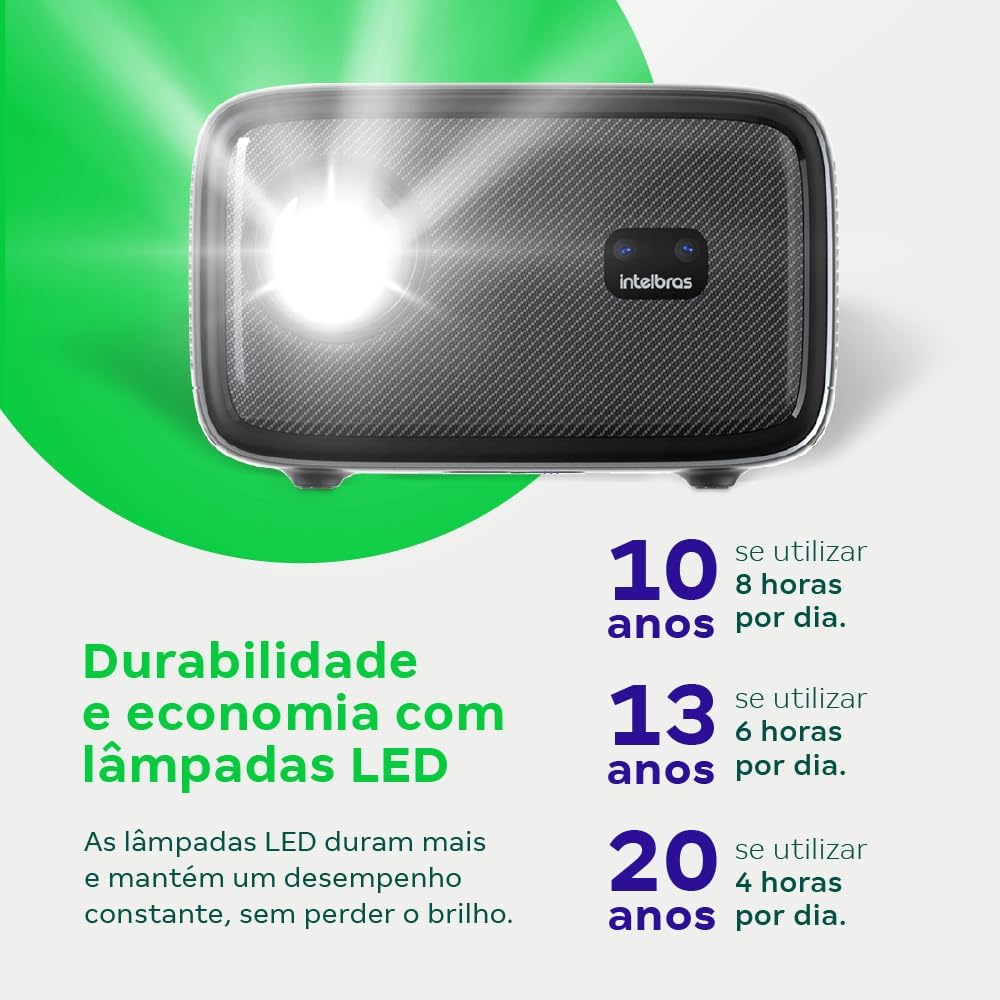
Image: An infographic illustrating the extended durability and economic benefits of the LED lamp, lasting up to 30,000 hours.
8. Ho rarolla mathata
Haeba u kopana le mathata ka projeke ea hau, sheba mathata le tharollo tse latelang:
- Ha ho Setšoantšo: Ensure the power cable is securely connected and the projector is turned on. Check the input source selection to match your connected device.
- Setšoantšo se Lerootho: Adjust the focus. If the image is distorted, check for automatic keystone correction or adjust it manually via the settings menu.
- Ha ho Molumo: Verify the volume level on both the projector and the connected device. Ensure external speakers are properly connected if used, or that the internal speakers are enabled.
- Mathata a Khokahano: For Wi-Fi or screen mirroring, ensure both the projector and your device are on the same network. Restart both devices if necessary.
- Ho chesa haholo: Ensure the projector's ventilation openings are not blocked. Turn off the projector and allow it to cool down if it feels excessively hot.
9. Litlhaloso
| Sebopeho | Tlhaloso |
|---|---|
| Brand | Intelbras |
| Lebitso la Mohlala | PFL 7560 |
| Theknoloji ea Khokahano | WiFi |
| Likarolo Tse Khethehileng | Wi-Fi e Loketse |
| Qeto ea Pontšo | 1920 x 1080 (HD e felletseng) |
| Qeto ea Naha | 1920 x 1080 |
| Maximum Display Resolution | 1920 x 1080 |
| Mofuta oa Pontšo | LCD |
| Khanya | 8000 Lumens |
| Lisebelisoa tse lumellanang | Laptop, Smartphone, Letlapa |
| Mohloli oa Leseli Bophelo bo sebetsang | Lihora tse 30000 |
| Sesebelisoa sa Hardware | 802.11 ac/b/g/n |
| Khouto ea Video | H.264, H.265 |
| Litšebeliso tse khothalelitsoeng | Home Cinema |
| Audio | Libui tse Kopantsoeng tse 2 x 12W |
10. Tiisetso le Tšehetso
For warranty information, technical support, or service requests, please refer to the official Intelbras websebaka kapa ikopanye le litšebeletso tsa bareki ka kotloloho. Boloka rasiti ea hau ea theko e le bopaki ba hore u rekile litseko tsa waranti.