
Selelekela
This manual provides essential information for the setup, operation, and maintenance of your PowerA Enhanced Wireless Controller, featuring the unique Pikachu vs. Gengar design. This officially licensed controller is designed to enhance your gaming experience on Nintendo Switch, Nintendo Switch Lite, and Nintendo Switch (OLED Model) consoles.
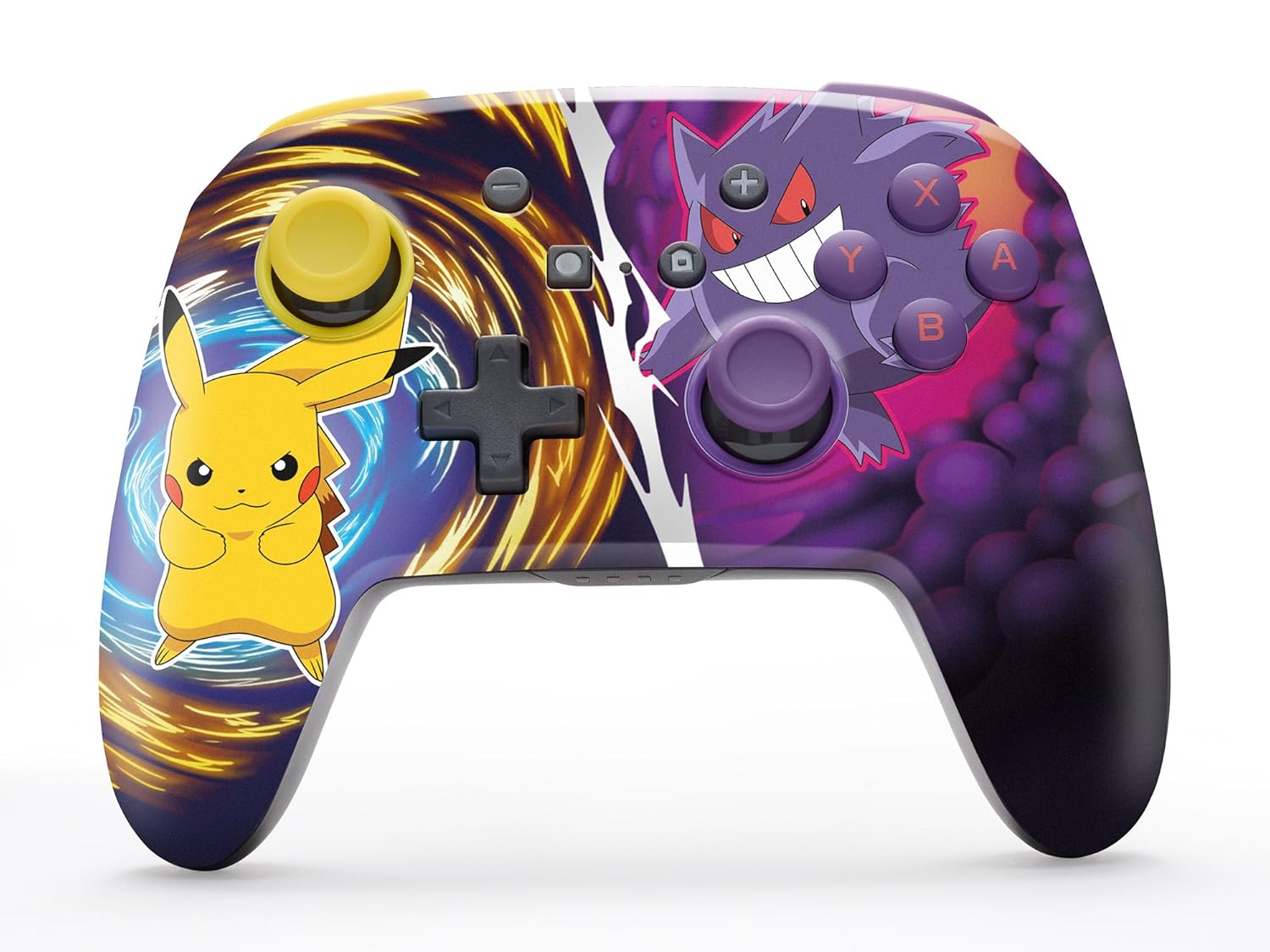
The PowerA Enhanced Wireless Controller with Pikachu vs. Gengar artwork.
Likarolo tsa Bohlokoa
- Khokahano e se nang mohala: Utilizes Bluetooth 5.0 technology for a stable connection.
- Betri e ka nchafatsoang hape: Integrated lithium-ion battery provides up to 30 hours of gameplay per charge.
- Likonopo tsa Lipapali tse Tsoetseng Pele tse ka 'Mapa: Two programmable buttons on the back for custom control.
- Moralo oa Ergonomic: Superior ergonomics for extended comfortable gaming sessions.
- Smooth Thumbstick Control: Embedded anti-friction rings ensure precise and fluid movement.
- Litaolo tsa Motion: Supports intuitive motion controls for compatible games.

Ergonomic design for comfortable gameplay.
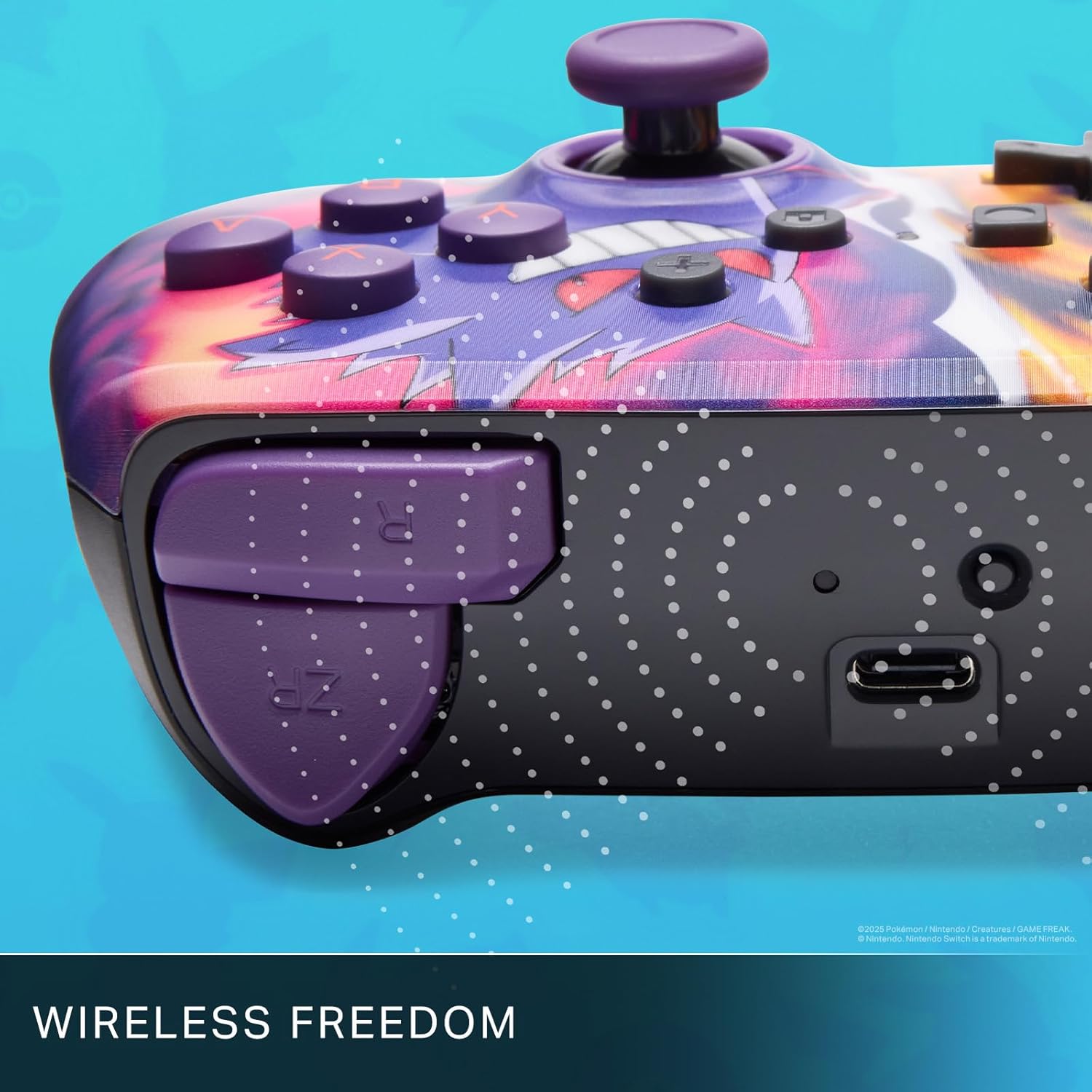
Enjoy wireless freedom with Bluetooth 5.0 technology.
Ho seta le ho Kopanya
- Netefatsa hore khomphutha ea hau ea Nintendo Switch e butsoe ebile e ntlafalitsoe ho ea ho software ea morao-rao ea sistimi.
- Ho tsoa ho HOME Menu, khetha Balaoli, joale Fetola Grip/Order.
- Tobetsa o hatelle SYNC Konopo on the top edge of your PowerA Enhanced Wireless Controller for at least one second. The Player LED(s) will flash.
- Once paired, the Player LED(s) corresponding to the controller number will remain lit.
- Tobetsa ea Konopo to confirm and exit the menu. Your controller is now ready for use.
Ho lefisa Molaoli
The controller features an internal 900mAh lithium-ion rechargeable battery, providing up to 30 hours of gameplay on a single charge. To charge your controller:
- Connect the included 10ft (3m) USB-C charge cable to the USB-C port on the top of the controller.
- Connect the other end of the USB-C cable to a USB power source (e.g., Nintendo Switch dock, USB wall adapter, or computer USB port).
- The LED indicator on the controller will show charging status. It will typically turn off or change color when fully charged.

Connect the USB-C cable to charge your controller.
Advanced Gaming Buttons
Your PowerA Enhanced Wireless Controller includes two mappable Advanced Gaming Buttons (AGBs) on the back, allowing you to assign specific button functions for quick access during gameplay.
Programming AGBs:
- Tobetsa ea Konopo ea Lenaneo on the back of the controller. The Program LED will flash, indicating programming mode.
- Press the button you wish to map (A/B/X/Y/L/R/ZL/ZR/Left Stick Click/Right Stick Click/D-Pad). The Program LED will flash rapidly.
- Press the Advanced Gaming Button (AGB L or AGB R) you want to assign the function to. The Program LED will stop flashing, indicating the AGB is now programmed.
Resetting AGBs:
To reset all Advanced Gaming Buttons to their default (no function) state, press and hold the Konopo ea Lenaneo for five seconds. The Program LED will flash slowly, then turn off, confirming the reset.
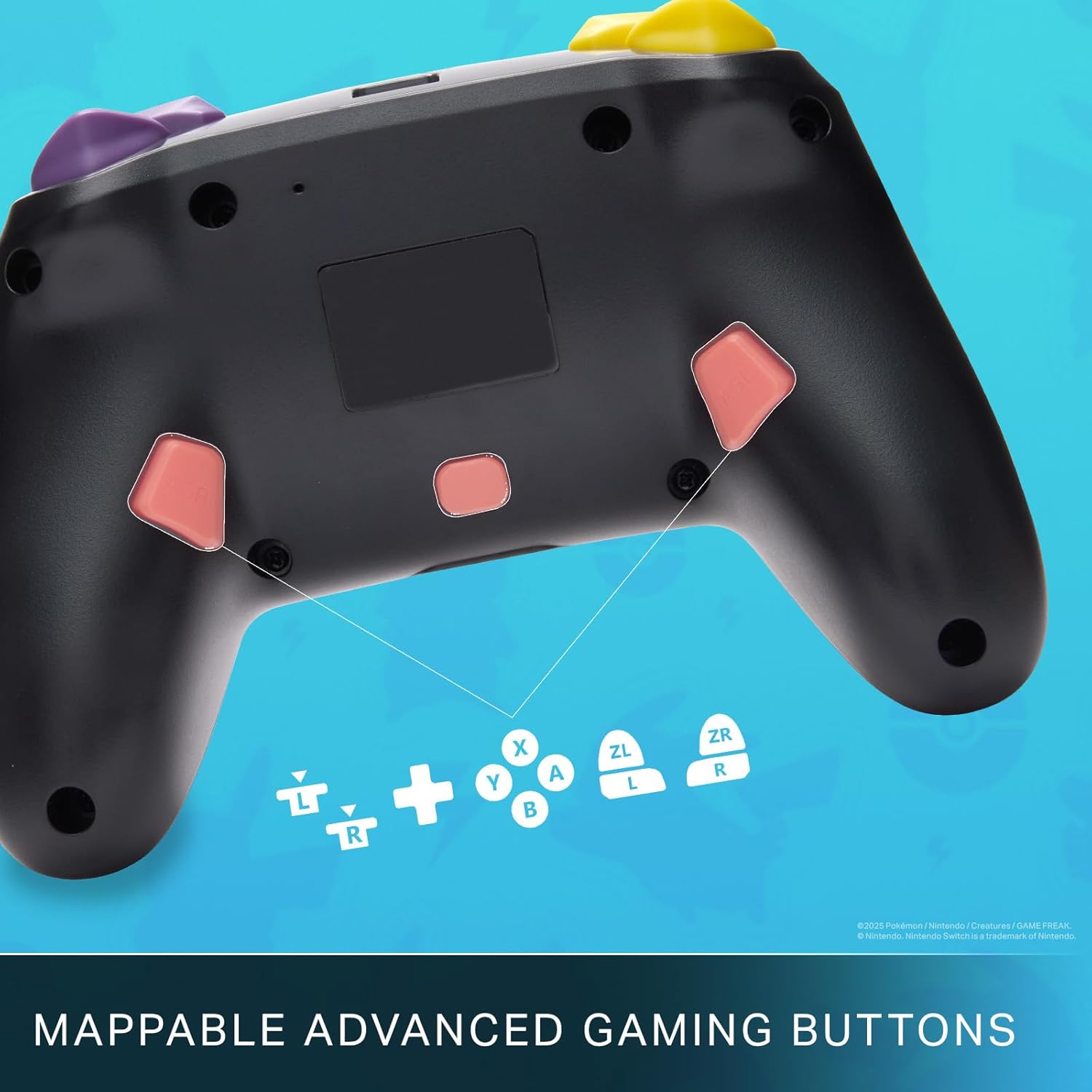
Mappable Advanced Gaming Buttons for personalized control.
Ho lumellana
This PowerA Enhanced Wireless Controller is compatible with the following Nintendo consoles:
- Nintendo switjha
- Nintendo switjha Lite
- Nintendo Switch (OLED Model)
- Nintendo Switch 2 (Note: C button not available)

The controller is compatible with Nintendo Switch 2, though the C button functionality is not available.
Litlhaloso
| Sebopeho | Lintlha |
|---|---|
| Lisebelisoa tse lumellanang | Nintendo switjha |
| Mofuta oa Molaoli | Papali ea papali |
| Theknoloji ea Khokahano | Bluetooth, USB |
| Likarolo tse Eketsehileng | Ergonomic, Wireless |
| Button Quantity | 12 |
| Sethala sa Hardware | Papali Console |
| Mohloli oa Matla | E Matlafatsoa ke Betri (Lithium-ion e ka Chesoang hape) |
| Compatible Video Game Console Models | Nintendo switjha, Nintendo switjha Lite |
| Boima ba Ntho | 0.68 Liponto |
| Litekanyo tsa Ntho | 6.02 x 4.41 x 2.48 lisenthimithara |
| Mmala | Pikachu vs Gengar |
| Lebitso la Mohlala | Pikachu vs. Gengar |
| Nomoro ea Mohlala | NSGP0420-01R |
Tlhokomelo le Tlhokomelo
- Keep the controller dry. Avoid exposure to moisture or extreme temperatures.
- Clean the controller with a soft, dry cloth. Do not use harsh chemicals or abrasive materials.
- Boloka molaoli sebakeng se sireletsehileng ha a sa sebelisoe ho thibela tšenyo.
Ho batle phoso
Selaoli ha se Kopane:
- Netefatsa hore molaoli o tjhajiloe ka botlalo.
- Verify the controller is within the Bluetooth range of your Nintendo Switch console.
- Attempt to re-pair the controller following the "Setup and Pairing" instructions.
Unresponsive Buttons/Joysticks:
- Hlahloba hore na ho na le litšitiso kapa lithōle tse potileng likonopo kapa li-joystick.
- Perform a hard reset by holding the SYNC button for 10 seconds, then attempt to re-pair.
- Ensure the controller's firmware is up to date (check PowerA's official website for updates).
Warranty le Tšehetso
This PowerA Enhanced Wireless Controller comes with a Guarantee ea lilemo tse peli. For detailed warranty information, product support, and troubleshooting assistance, please visit the official PowerA support websebaka:


