
1. Selelekela
This manual provides essential information for the safe and efficient operation of your ZDSSY HY320MAX Mini Projector. Please read it thoroughly before using the device and retain it for future reference. The ZDSSY HY320MAX is a 1080P native mini projector featuring Android 13, built-in licensed applications, WiFi 6, Bluetooth 5.4, and automatic keystone correction, designed for versatile indoor and outdoor entertainment.
2. Boitsebiso ba Tšireletseho
- Phepelo ea motlakase: Use only the provided power adapter. Ensure the voltage tsamaisana le phepelo ea motlakase sebakeng sa heno.
- Moea oa moea: O se ke wa thiba masoba a moya o kenang. Etsa bonnete ba hore moya o phalla hantle ho potoloha projektara ho thibela ho chesa haholo.
- Metsi a Hlaha: Boloka projektara hole le metsi kapa diedi tse ding. O se ke wa sebetsa ho damp tikoloho.
- Mehloli ea Mocheso: Avoid placing the projector near heat sources such as radiators, heat registers, stoves, or other heat-producing appliances.
- Tšireletso ea Mahlo: U se ke ua sheba ka ho toba lense ea projector ha lamp is on, as the bright light can cause eye strain or damage.
- Ho hloekisa: Disconnect the power before cleaning. Use a soft, dry cloth for cleaning the exterior. For the lens, use a specialized lens cleaning cloth.
- Litšebeletso: Se ke oa leka ho fana ka sehlahisoa sena u le mong. Fetisetsa litšebeletso tsohle ho basebetsi ba tšoanelehang ba litšebeletso.
3. Likahare tsa Sephutheloana
Ka kopo netefatsa hore lintho tsohle li teng 'me li boemong bo botle ha u li pakolla:
- ZDSSY HY320MAX Mini Projector
- Adapter ea Matla
- Bluetooth Voice Remote Control
- Bukana ea Mosebelisi
- HDMI Cable (Tsebisoa)
4. Sehlahisoa Overview
4.1 Projector Components
The ZDSSY HY320MAX Mini Projector features a compact design with essential components for ease of use.
- Projection Lens: Emits the image onto the screen or surface.
- Li-grilles tsa Ventilation: Located on the sides or rear to dissipate heat.
- Kenyeletso ea Matla: Bakeng sa ho hokahanya adaptara ea motlakase.
- Port ea HDMI: For connecting external devices like gaming consoles or laptops.
- Boema-kepe ba USB: Bakeng sa ho hokahanya lisebelisoa tsa polokelo ea USB.
- Seamohedi sa IR: Bakeng sa ho amohela matshwao ho tswa taolong ya remote.
- Boemo bo Fetohang: Allows for 180° flexible rotation for various projection angles.
4.2 Taolo ea Remote
The included Bluetooth voice remote control allows for easy navigation and voice commands.
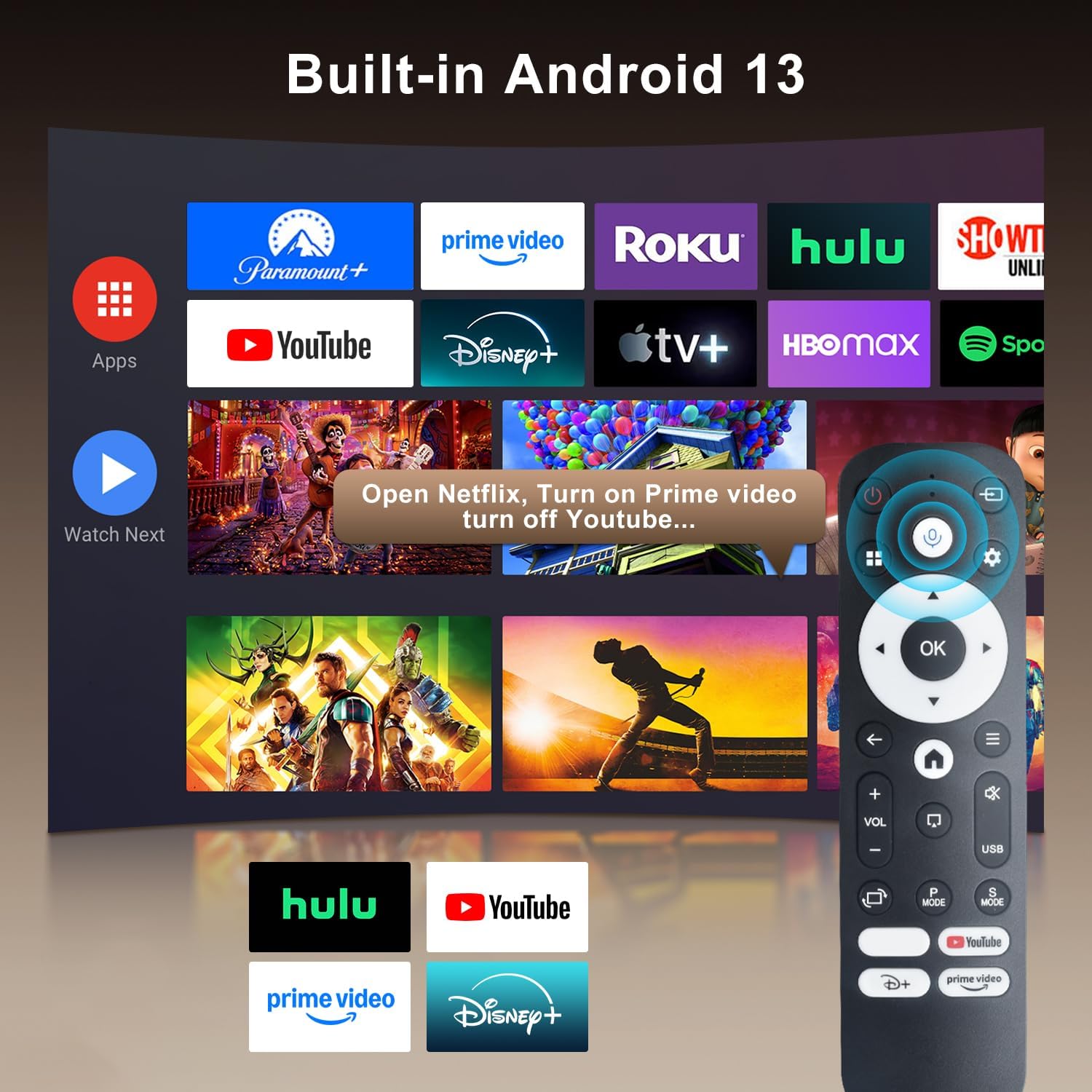
Image: The projector's interface showing built-in Android 13 apps and the Bluetooth voice remote control.
5. Seta
5.1 Ho bea
Position the projector on a stable, flat surface. The 180° flexible rotation allows projection onto walls, ceilings, or floors. Ensure the projector is within the recommended throw distance of 1 to 6 meters for an optimal image size between 30 and 300 inches.

Image: The ZDSSY HY320MAX Mini Projector set up for an outdoor movie night, demonstrating its portability and flexible placement.
5.2 Khokelo ea Matla
Connect the power adapter to the projector's power input port, then plug the adapter into a power outlet.
5.3 Matla a Pele a Buletsoe
Press the power button on the projector or the remote control to turn on the device. The projector will boot up, displaying the Android 13 interface.
5.4 Tokiso ea Tsepamiso le Lejoe la Bohlokoa
The projector features AI Auto Keystone correction, which automatically adjusts the image to be rectangular even if the projector is placed at an angle. You can also use the 50%-100% zoom function to resize the screen without moving the projector.

Image: A visual representation of the projector's automatic keystone correction feature, ensuring a perfectly aligned picture.
Khokahano ea Marangrang
Navigate to the settings menu to connect to a Wi-Fi network. The projector supports ultra-fast WiFi 6 for smooth streaming and lag-free gaming.

Image: The projector displaying content wirelessly, highlighting its WiFi 6 and Bluetooth 5.4 capabilities for smoother performance.
5.6 Ho hokahanya ha Bluetooth
For enhanced audio, pair Bluetooth 5.4 compatible speakers or headphones with the projector through the settings menu.
6. Litaelo tsa Ts'ebetso
6.1 Ho tsamaisa Sehokelo
Use the directional buttons and 'OK' button on the remote control to navigate through the Android 13 interface. The 'Back' button returns to the previous screen, and the 'Home' button returns to the main menu.

Image: The ZDSSY HY320MAX projector's home screen, displaying various pre-installed streaming applications.
6.2 Using Built-in Apps
The projector comes with officially licensed apps such as Netflix, Prime Video, and YouTube pre-installed. Access these directly from the home screen. The built-in APP STORE allows you to download additional applications.
6.3 External Input Sources
Connect external devices via the HDMI or USB ports. Select the appropriate input source from the projector's menu to display content from these devices.
6.4 Ho etsa seipone sa skrine
The projector supports screen mirroring from compatible smartphones (Android and iOS) over Wi-Fi. Refer to the on-screen instructions for connecting your device.

Image: A user mirroring their smartphone screen to the projector, demonstrating the wireless connectivity feature.
6.5 Taolo ea lentsoe
Utilize the Bluetooth voice remote for hands-free control. Press and hold the microphone button on the remote, then speak your command (e.g., "Open Netflix," "Batla movies").
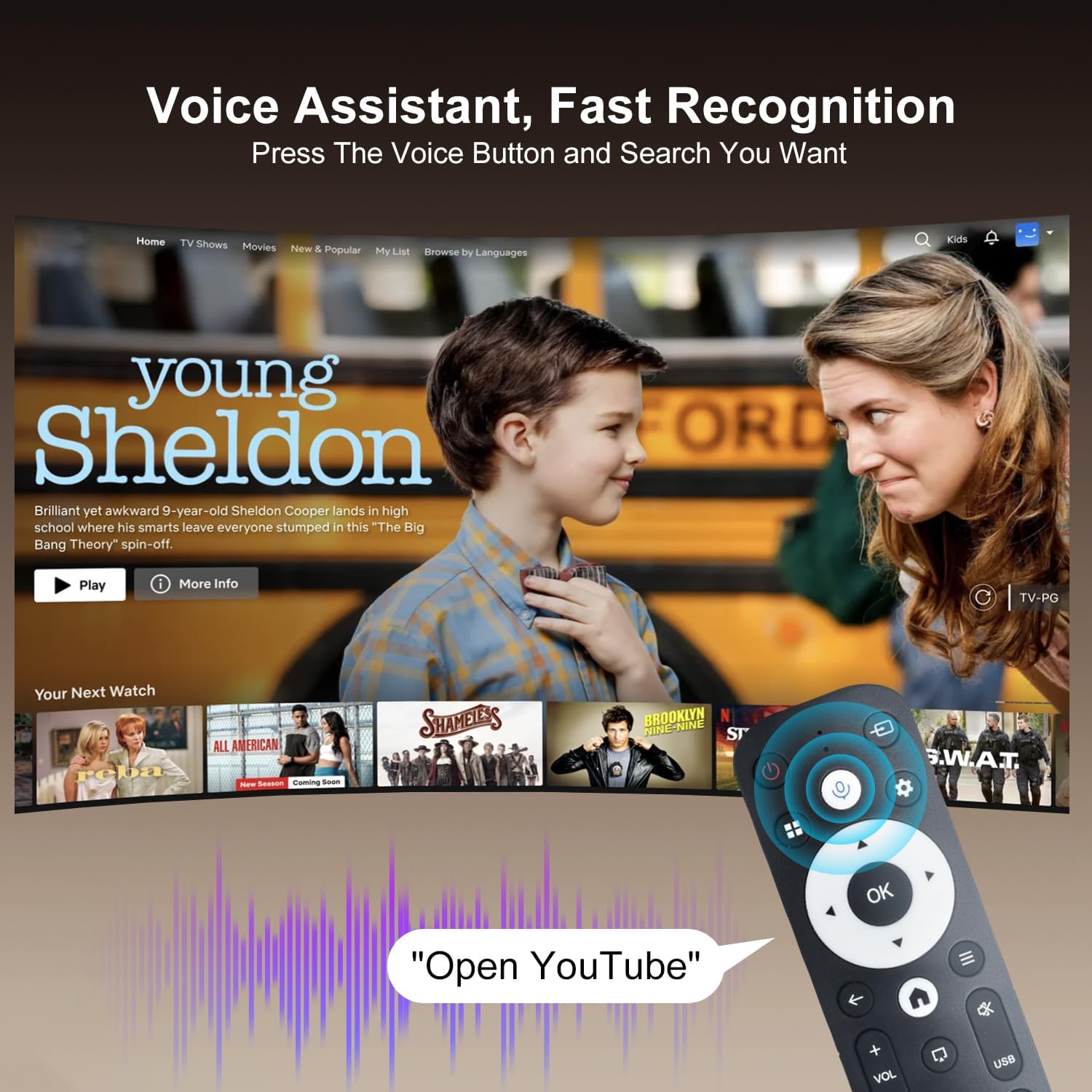
Image: The projector displaying a streaming service interface, with the remote control highlighting the voice assistant button and a voice command example.
7. Tlhokomelo
- Tlhoekiso ea Lense: Gently wipe the projector lens with a soft, lint-free cloth specifically designed for optical lenses. Avoid using abrasive materials or harsh chemicals.
- Ho Hloekisa Ka Ntle: Use a soft, dry cloth to clean the projector's exterior. Do not use liquid or aerosol cleaners.
- Moea oa moea: Regularly check that the ventilation grilles are free from dust and obstructions to ensure proper heat dissipation.
- Polokelo: Ha e sa sebelisoe ka nako e telele, boloka projektara sebakeng se pholileng, se omileng, se sirelelitsoe lerōleng le letsatsing le tobileng.
8. Ho rarolla mathata
Haeba u kopana le mathata ka projeke ea hau, sheba mathata le tharollo tse latelang:
| Bothata | Lebaka le ka khonehang | Tharollo |
|---|---|---|
| Ha ho Matla | Power cable disconnected; Power outlet fault | Netefatsa hore thapo ea motlakase e hokahane ka mokhoa o sireletsehileng; Leka sesebelisoa se seng sa motlakase. |
| Ha ho Setšoantšo | Input source not selected; Device not connected | Select correct input source (HDMI/USB); Ensure external device is connected and powered on. |
| Setšoantšo se Lerootho | Out of focus; Incorrect keystone | Allow Auto Keystone to adjust; Manually adjust focus if available. |
| Ha ho Modumo | Volume too low; External audio device not connected | Increase volume; Check Bluetooth connection for external speakers. |
| Remoutu Ha e Arabe | Low battery; Not paired | Replace batteries; Re-pair the Bluetooth remote control. |
| Mathata a Khokahano ea Wi-Fi | Incorrect password; Router issues | Verify Wi-Fi password; Restart your router and the projector. |
9. Litlhaloso
Detailed technical specifications for the ZDSSY HY320MAX Mini Projector:
- Lebitso: ZDSSY
- Lebitso la Mohlala: HY320MAX
- Nomoro ea Mohlala: HY320MAX-US
- Qeto ea Pontšo: Native 1920 x 1080 Pixels
- Maximum Display Resolution: 3840 x 2160 Pixels (4K Support)
- Mofuta oa Pontšo: LCD
- Khanya: 20000 Lumen (400 ANSI Lumens)
- Phapang Ratio: 10000:1
- Bophelo ba Tšebeliso ea Mohloli oa Leseli: Lihora tse 60000
- Theknoloji ea Khokahano: USB, HDMI, Built-In Wi-Fi (WiFi 6), Bluetooth 5.4
- Mokhoa oa ho laola: Remote Control, Voice
- Litšebeliso tse khothalelitsoeng: Ka hare/Kantle
- Mofuta oa ho Beha: Ceiling Mount/Table Mount/Wall Mount
- Bonyane Bohole ba ho Lahlela: 1 Limithara
- Bohole bo Holimo ba ho Lahlela: 6 metres
- Minimum Image Size: 30 lisenthimithara
- Boholo ba Sets'oants'o: 300 lisenthimithara
- Moqtage: Li-volts tse 110
- Wattage: 70 watts
- Boholo ba Ntho (L x W x H): 4.09"L x 3.98"W x 8.66"H

Image: A comparison illustrating the native 1080P resolution and 4K support capabilities of the ZDSSY HY320MAX projector.
10. Tiisetso le Tšehetso
The ZDSSY HY320MAX Mini Projector comes with a Waranti ea lilemo tse 3. This warranty includes free parts replacement and lifelong technical support. For any warranty claims, technical assistance, or support inquiries, please contact ZDSSY customer service through the retailer where the product was purchased or refer to the contact information provided on the official ZDSSY websebaka.