
Lytmi CozyClip D1
Lytmi CozyClip D1 Open Clip Earbuds User Manual
Model: CozyClip D1 | Brand: Lytmi
Selelekela
The Lytmi CozyClip D1 Open Clip Earbuds are designed for comfortable, all-day listening while maintaining awareness of your surroundings. Featuring an ultra-light open-ear design, Hi-Fi sound, AI-powered clear calls, and IP54 waterproof rating, these earbuds offer a unique audio experience. This manual provides essential information for setting up, operating, and maintaining your CozyClip D1 earbuds.
Se ka Lebokoseng
- Lytmi CozyClip D1 Open-Ear Clip-on Earphones (1 pair)
- Nyeoe ea ho tjhaja (1)
- Buka ea mosebelisi (1)
- Mohala oa ho tjhaja oa mofuta oa C (1)

Image: Lytmi CozyClip D1 packaging and included accessories.
Sehlahisoa se Felletseview
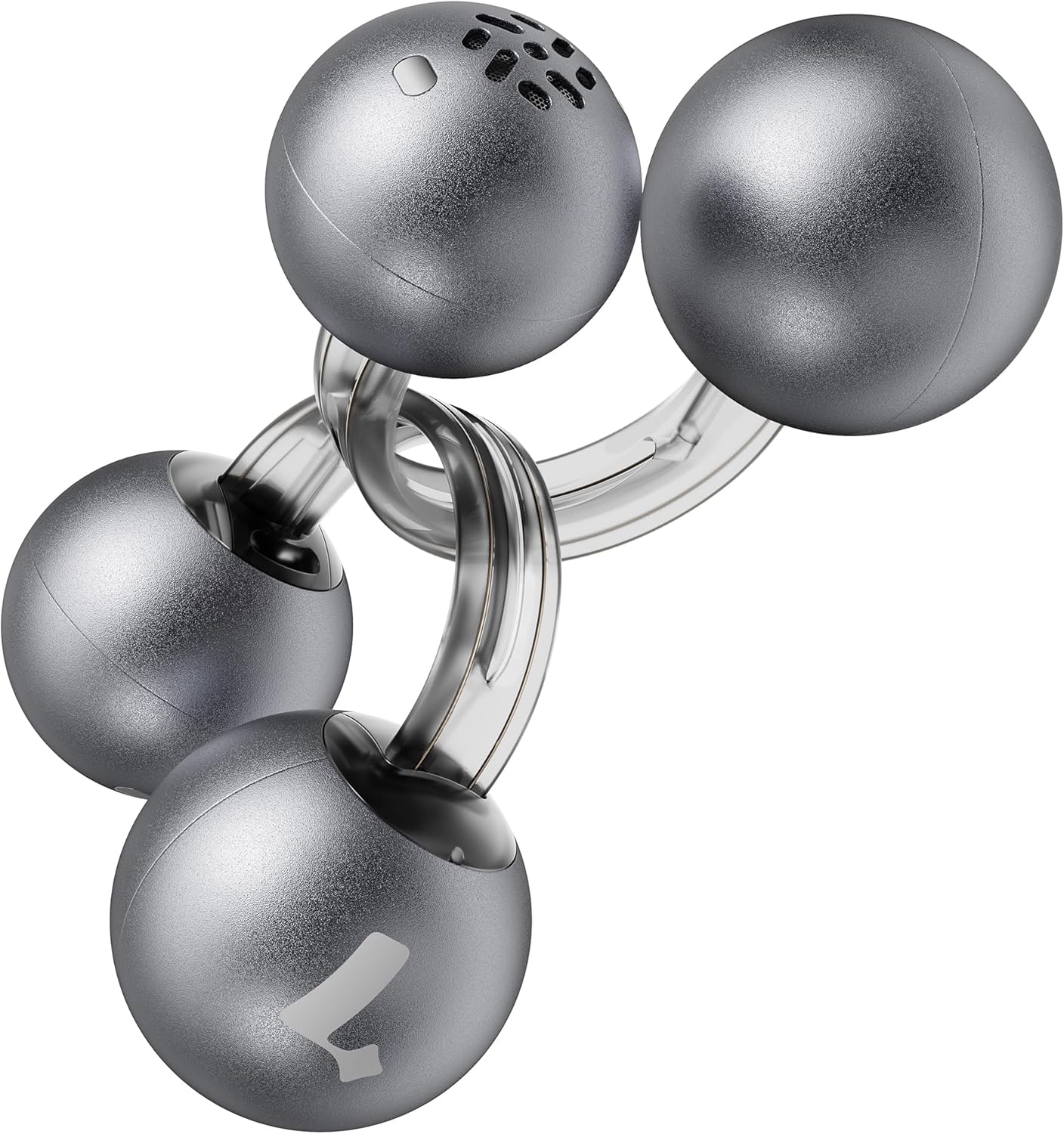
Image: Lytmi CozyClip D1 Earbuds, showcasing their open-ear clip design.

Image: Earbud resting on a feather, illustrating its ultra-lightweight design.
Likarolo tsa Bohlokoa:
- Moralo oa tsebe e bulehileng: Weighing just 5.4g each, these earbuds clip onto your ear, providing comfort and allowing you to remain aware of your surroundings.
- Molumo oa Hi-Fi: Experience immersive audio with enhanced bass and clear highs.
- Phokotso ea Lerata la AI bakeng sa Mehala: Ensures crystal-clear calls by reducing environmental noise, even in windy conditions.
- Auto Left-Right Recognition: Earbuds are interchangeable; wear either earbud on either ear without manual configuration.
- Bophelo bo Bolelele ba Battery: Up to 9 hours of playtime on a single charge, and up to 30 hours with the charging case.
- IP54 e sa keneleng metsi le e thibelang lerole: Designed to withstand sweat and water splashes, suitable for various activities and weather conditions.
- Bluetooth 5.4: Provides stable and efficient wireless connectivity with faster data transfer and extended signal range.
- Dual-Connection: Connect to two devices simultaneously and switch between them seamlessly.
Tlhophiso
1. Ho tjhaja li-Earbuds le Case
Pele o sebelisoa ka lekhetlo la pele, tjhaja li-earbud le mokotla oa ho tjhaja ka botlalo.
- Kenya li-earbuds ka har'a mokotla oa ho tjhaja. Netefatsa hore ba lutse hantle.
- Hokela thapo ea ho tjhaja ea Type-C boema-kepeng ba ho tjhaja ka kesing 'me lehlakoreng le leng ho mohloli oa matla oa USB.
- The indicator light on the case will show charging status. Once fully charged, the indicator will change or turn off.

Image: Charging case and earbuds, illustrating battery life.
2. Ho kopanya le Sesebelisoa
- Bula mokotla oa ho tjhaja. Li-earbud li tla kena mokhoeng oa ho para ka bohona.
- Sesebedisweng sa hao (smartphone, tablet, jj.), bulela Bluetooth mme o batle disebediswa tse teng.
- Select "Lytmi CozyClip D1" from the list of devices.
- Hang ha e hoketsoe, molaetsa oa lentsoe o tla netefatsa hore o atlehile.

Image: Quick pairing process with a smartphone.
3. Ho Roala Li-Earbud
The CozyClip D1 earbuds feature an auto left-right recognition system, allowing you to wear either earbud on either ear.
- Gently clip the earbud onto your earlobe, positioning the speaker component near your ear canal.
- Adjust for a comfortable and secure fit. The flexible design ensures stability during movement.
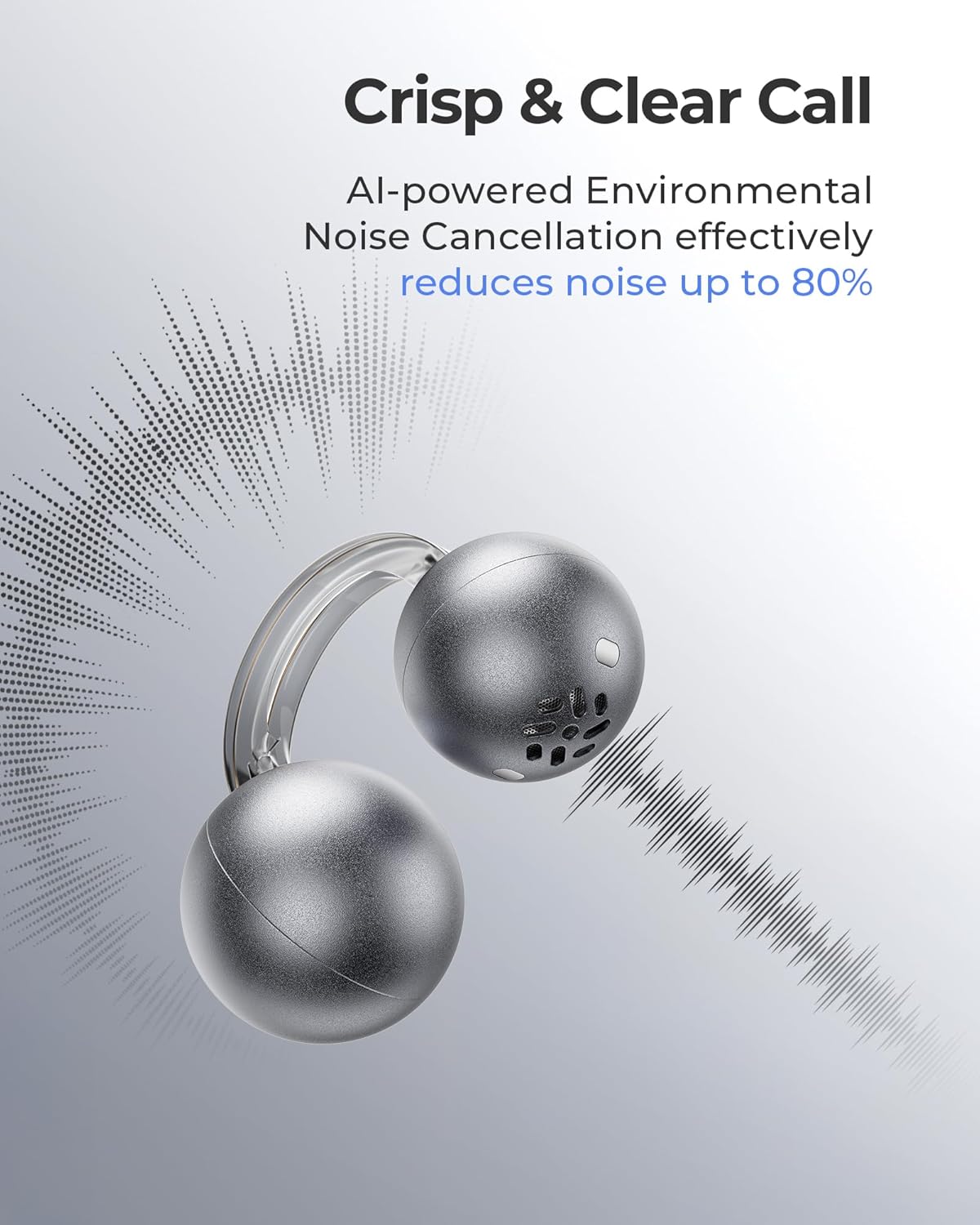
Image: Earbud worn on an ear, showing the secure fit.

Image: Wearing styles for awareness or full sound.
Litaelo tsa Ts'ebetso
Litaolo tsa ho Tšoara
The earbuds feature intuitive touch controls for managing audio playback and calls.
- Double Tap (Left or Right Earbud): Answer a call, End a call, Play/Pause music.
- Triple Tap (Left or Right Earbud): Next track, Reject a call.

Image: Touch control gestures for playback and calls.
Dual-Connection
The CozyClip D1 earbuds support simultaneous connection to two devices.
- Pair the earbuds with your first device (e.g., smartphone).
- Disconnect the earbuds from the first device's Bluetooth settings.
- Pair the earbuds with your second device (e.g., laptop).
- Reconnect the earbuds to the first device from its Bluetooth settings. The earbuds will now be connected to both devices.
- Molumo o tla fetohela ka bohona ho sesebediswa se bapalang dikahare kapa se amohelang mohala.

Image: Seamless switching between two connected devices.
Video ea Sehlahisoa sa Molao
Video: Ho fetaview of the Lytmi CozyClip D1 Open Ear Clip-on Earbuds, demonstrating their design, fit, and key features in various usage scenarios.
Tlhokomelo
- Ho hloekisa: Hlakola li-earbud le lebokose la ho tjhaja khafetsa ka lesela le bonolo, le omileng. Qoba ho sebelisa lik'hemik'hale tse matla kapa thepa e khorofo.
- Polokelo: Ha e sa sebelisoe, boloka li-earbud ka mokotlaneng oa tsona oa ho tjhaja ho li sireletsa lerōleng le tšenyo.
- Khahlamelo ea Metsi: While IP54 rated for water splashes and sweat, avoid submerging the earbuds in water. Ensure they are dry before placing them back in the charging case.
Ho batle phoso
| Bothata | Tharollo |
|---|---|
| Li-earbud ha li kopane | Ensure earbuds are charged. Turn off and on Bluetooth on your device. Forget "Lytmi CozyClip D1" from your device's Bluetooth list and re-pair. |
| Ha ho modumo kapa modumo o tlase | Check device volume. Ensure earbuds are properly seated on your ears. Reconnect the earbuds to your device. |
| Earbuds falling out | Adjust the clip for a more secure fit around your earlobe. Experiment with different positioning for optimal stability. |
| Chelete ea ho tjhaja ha e lefelle | Verify the charging cable and power adapter are working correctly. Ensure the Type-C cable is fully inserted into the charging port. |
| Litaolo tsa Touch ha li arabele | Netefatsa hore menoana ea hau e hloekile ebile e omme. Leka ho qala li-earbud bocha ka ho li beha ka har'a mokotlana ebe o li ntša hape. |
Litlhaloso
| Sebopeho | Lintlha |
|---|---|
| Lebitso la Mohlala | Lytmi CozyClip D1 |
| Theknoloji ea Khokahano | Wireless (Bluetooth 5.4) |
| Bluetooth Range | 10 metres |
| Bophelo ba Battery (Earbuds) | Ho fihlela lihora tse 9 |
| Kakaretso ea Nako ea ho Bapala (le Nyeoe) | Ho fihlela lihora tse 30 |
| Nako ea ho tjhaja | 1 Hour (for earbuds) |
| Boemo ba ho hanyetsa Metsi | IP54 (e sa keneleng metsi le e thibelang lerole) |
| Boima ba Ntho (Earbud) | Li-ounces tse 0.17 (hoo e ka bang 5.4g) |
| Audio Driver Size | 12 limilimithara |
| Tšitiso | 32 ohm |
| Karabelo ea Khafetsa | 20 KHz (Upper limit, typical range 20Hz-20kHz) |
| Taolo ea Lerata | Adaptive Noise Cancellation (for calls) |
| Lintho tse bonahalang | ABS+PC (for carrying case) |
| Mokhoa oa ho Laola | Thetsa |
Warranty le Tšehetso
For warranty information, technical support, or further assistance, please refer to the official Lytmi websaete kapa ikopanye le litšebeletso tsa bareki ka kotloloho. Boloka rasiti ea hau ea theko bakeng sa likopo tsa tiisetso.
You can visit the Lytmi Store for more information: Lytmi Official Store
Ask a question about this manual
Ask about setup, troubleshooting, compatibility, parts, safety, or missing instructions. Manuals+ will review the question and use this page’s manual context to help answer it.