
1. Tataiso ea ho seta
To begin using your TORJALPH Smart Watch, please follow these steps to set up and pair it with your smartphone.
1.1 Ho tjhaja Smart Watch
Before initial use, fully charge your smart watch. The watch is equipped with a 230 mAh battery and uses magnetic charging. A full charge takes approximately 2.5 hours and provides up to 7 days of typical usage or 30 days standby time.

Image: The smart watch connected to its magnetic charging cable, illustrating the charging process and battery life.
1.2 Downloading the Companion App
Your smart watch requires a companion app for full functionality. Scan the QR code provided in the watch's packaging or search for "Da Fit" in your smartphone's app store (compatible with Android 5.0 and above or iOS 9.0 and above).
1.3 Ho kopanya le Smartphone ea Hao
- Netefatsa hore Bluetooth e kenelletse ho smartphone ea hau.
- Open the "Da Fit" app and follow the on-screen instructions to create an account and set up your profile (gender, birthday, height, weight).
- Within the app, search for your smart watch and select it to initiate the pairing process. The watch will appear as "707457227119" or a similar identifier.
- Netefatsa kopo ea ho kopanya fonong ea hau ea smartphone le oacheng e bohlale.
Once paired, the watch will synchronize data with the app, and you will begin receiving notifications and tracking health metrics.
2. Litaelo tsa Ts'ebetso
Navigate your smart watch using its 1.69-inch full HD color touch screen and side button.
2.1 Tsamaiso ea Motheo
- Swaepela ka ho le Letshehadi/Ka ho le letona: Access quick-view widgets such as heart rate, blood oxygen, weather, music control, and calendar.
- Swaepela Hodimo/Fase: View notifications and quick settings (flashlight, Do Not Disturb, battery status).
- Tobetsa Konopo e ka Lehlakoreng: Return to the main watch face or access the main menu with all applications.
- Long Press Watch Face: Customize the watch face. You can choose from over 200 watch faces in the "Da Fit" app or upload your own photos.

Image: The smart watch showcasing its 1.69-inch HD display with various customizable watch faces, including a personal photo option.
2.2 Health Monitoring Features
The smart watch continuously monitors your health metrics:
- Sekala sa ho Rata ha Pelo: Provides 24/7 heart rate tracking.
- Tlhokomeliso ea ho Robala: Tracks sleep duration and quality, including deep and REM sleep phases.
- Mohlokomeli oa Oksijene ea Mali (SpO2): E lekanya maemo a ho tlala ha oksijene maling.
- Stress Monitor: Helps you understand your stress levels.
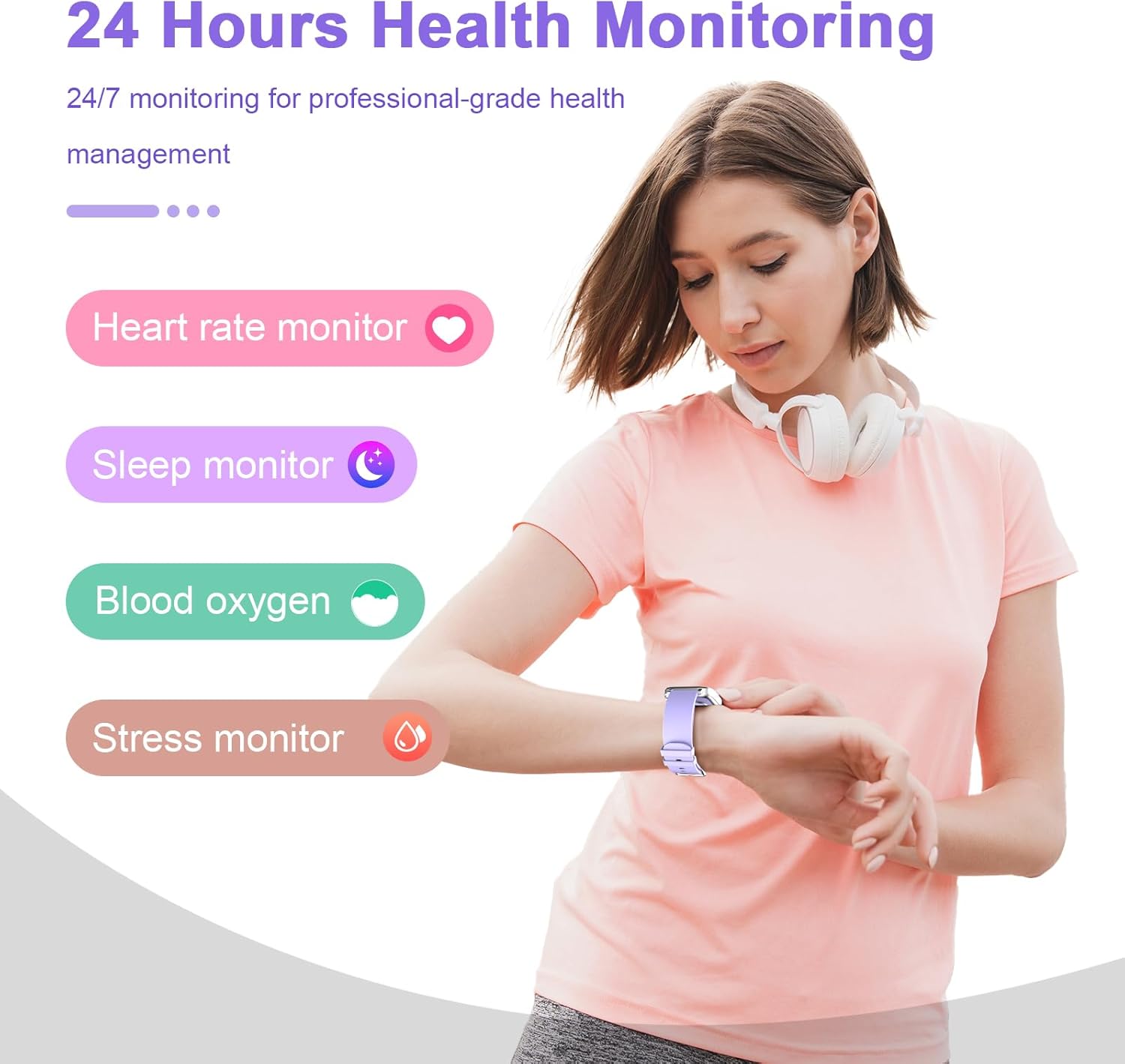
Image: The smart watch interface showing various health monitoring features like heart rate, sleep, blood oxygen, and stress levels.
2.3 Teko ea Boiketlo
The smart watch supports 12 sports modes, including walking, running, cycling, swimming, badminton, basketball, football, and rope skipping. It tracks steps, distance, and calories burned.

Image: A woman running with the smart watch on her wrist, showing the watch interface with fitness tracking data like steps, distance, and calories.
2.4 Smart Notifications & Communication
Receive and display notifications for calls, SMS, WhatsApp, Facebook, Twitter, and Messenger directly on your wrist. The watch also supports phone call functions, allowing you to answer or hang up calls.

Image: The smart watch showing notifications from various social media platforms and an incoming call, demonstrating its communication features.
2.5 Mesebetsi e Meng
Additional features include sedentary reminders, alarm clock, stopwatch, timer, weather information, music control, and remote camera control.
3. Tlhokomelo
3.1 Ho hanyetsa Metsi
The TORJALPH Smart Watch features an IP68 waterproof rating. This means it is resistant to dust and can withstand immersion in water up to 1.5 meters for 30 minutes. You can wear it during handwashing, in the rain, or while showering. However, it is recommended to avoid prolonged exposure to water, especially in saltwater or chlorinated pools, to maintain its longevity.
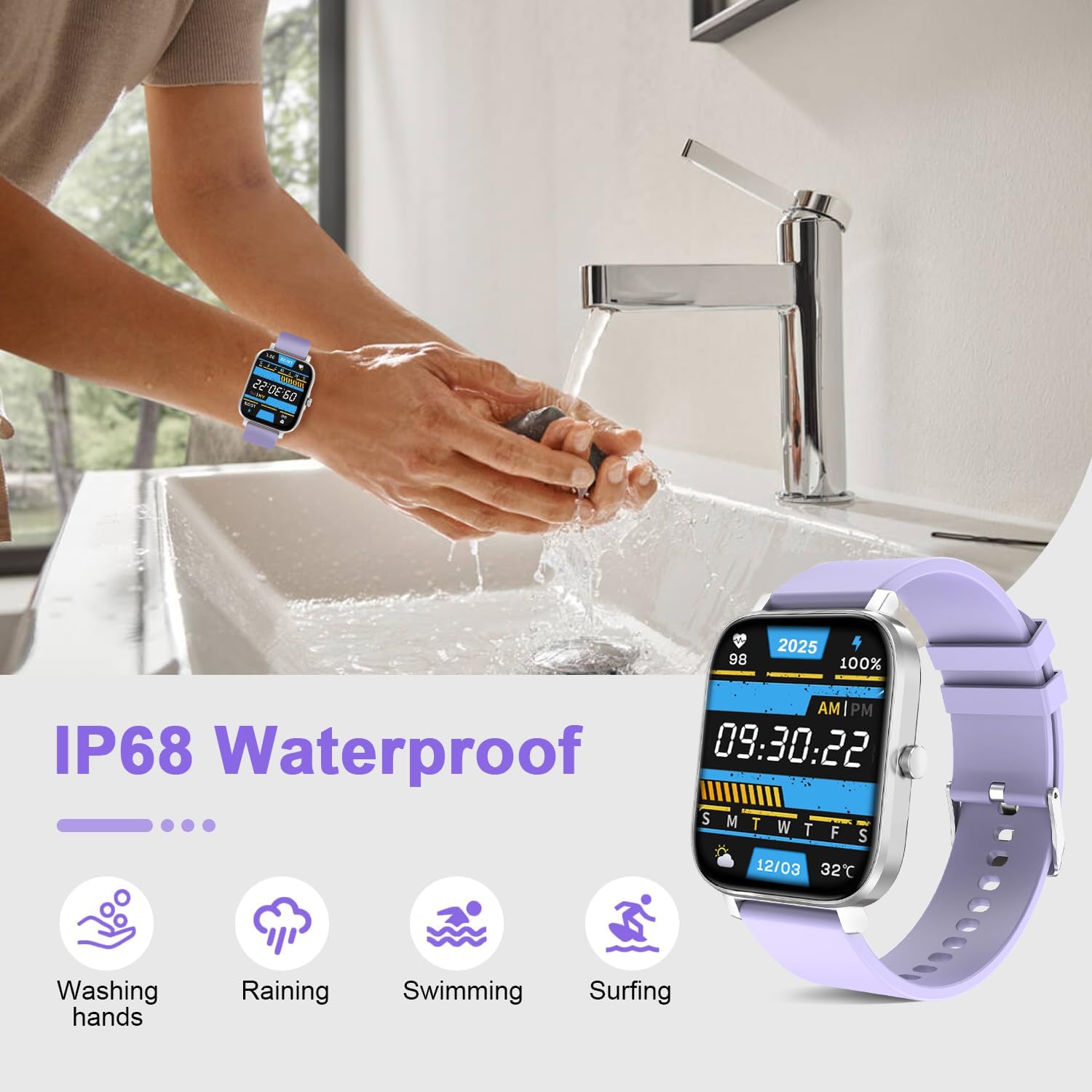
Image: The smart watch demonstrating its IP68 waterproof rating through various water exposure scenarios like handwashing, rain, and light swimming.
3.2 Ho Hloekisa le Tlhokomelo
- Wipe the watch regularly with a soft, dry cloth to remove dust and smudges.
- If the watch comes into contact with sweat or water, dry it thoroughly to prevent skin irritation or damage to the device.
- Qoba ho beha oache mochesong o feteletseng kapa lik'hemik'hale tse matla.
4. Ho rarolla mathata
If you encounter issues with your smart watch, try the following general troubleshooting steps:
- Mathata a Khokahano: Ensure Bluetooth is enabled on your phone and the watch is within range. Restart both your phone and the watch, then attempt to re-pair through the "Da Fit" app.
- Ho Latela Liphoso: Ensure the watch is worn snugly on your wrist. For step tracking, ensure natural arm movement. Environmental factors can sometimes affect sensor readings.
- Ho Hlakola Battery ka Potlako: Reduce screen brightness, disable unnecessary notifications, and limit continuous heart rate monitoring to extend battery life. Ensure the watch is fully charged using the provided magnetic charger.
- Screen ha e arabele: Try restarting the watch by long-pressing the side button. If the screen is locked, hold the crown to unlock it.
For persistent issues, refer to the "Da Fit" app's help section or contact customer support.
5. Litlhaloso tsa Sehlahisoa
| Sebopeho | Lintlha |
|---|---|
| Brand | TORJALPH |
| Nomoro ea Mohlala | 707457227119 |
| Boholo ba skrine | 1.69 lisenthimithara |
| Mofuta oa Pontšo | Digital, Full HD Color Touch Screen (240 x 280 resolution) |
| Mokhoa oa tšebetso | Android, iOS (Compatible with Android 5.0+ / iOS 9.0+) |
| Theknoloji ea Khokahano | bluetooth |
| Bokhoni ba Battery | 230 mAh Lithium Ion |
| Bophelo ba Betri (Tšebeliso e Tloaelehileng) | Ho fihlela ho matsatsi a 7 |
| Nako ea ho tjhaja Betri | Lihora tse 2.5 |
| Tekanyetso ea ho hanyetsa Metsi | IP68 (Water Resistant up to 5 feet) |
| Mofuta oa Boitsebiso ba Band | Silicone |
| Case Material Type | Motsoako oa tšepe |
| Lisebelisoa tse tšehelitsoeng | Fitness Tracker, Heart Rate Monitor, Blood Pressure Monitor, Oxymeter (SpO2), Sleep Monitor |
| Sport Types | Walk, Run, Dynamic Cycling, Badminton, Football, Basketball, Rope-Jump, Swimming (12 modes) |
| Likarolo Tse Khethehileng | Notifications, Bluetooth Call, Sedentary Reminder, Alarm Clock, Stopwatch, Timer, Weather Info, Music Control, Remote Camera Control, Customizable Watch Faces |
6. Warranty & Ts'ehetso
Your TORJALPH Smart Watch comes with a Tiisetso e Felletseng ea Selemo se 1 from the manufacturer, TORJALPH.
For technical support, warranty claims, or any questions regarding your product, please contact the manufacturer directly or refer to the support section within the "Da Fit" companion app.
Manufacturer: TORJALPH
7. Livideo tsa Lihlahisoa
TORJALPH Smart Watch Overview
Video: Setsi sa molaoview of the TORJALPH Smart Watch, highlighting its key features and functionalities. This video provides a visual guide to the watch's design, interface, and various modes.