
1. Selelekela
This manual provides comprehensive instructions for the Microsoft Surface Laptop 3, Model VGY-00001. Designed for productivity and portability, this device features a 13.5-inch touchscreen, Intel Core i5 processor, 8GB RAM, and a 128GB Solid State Drive. Please read this manual thoroughly to ensure proper setup, operation, and maintenance of your device.
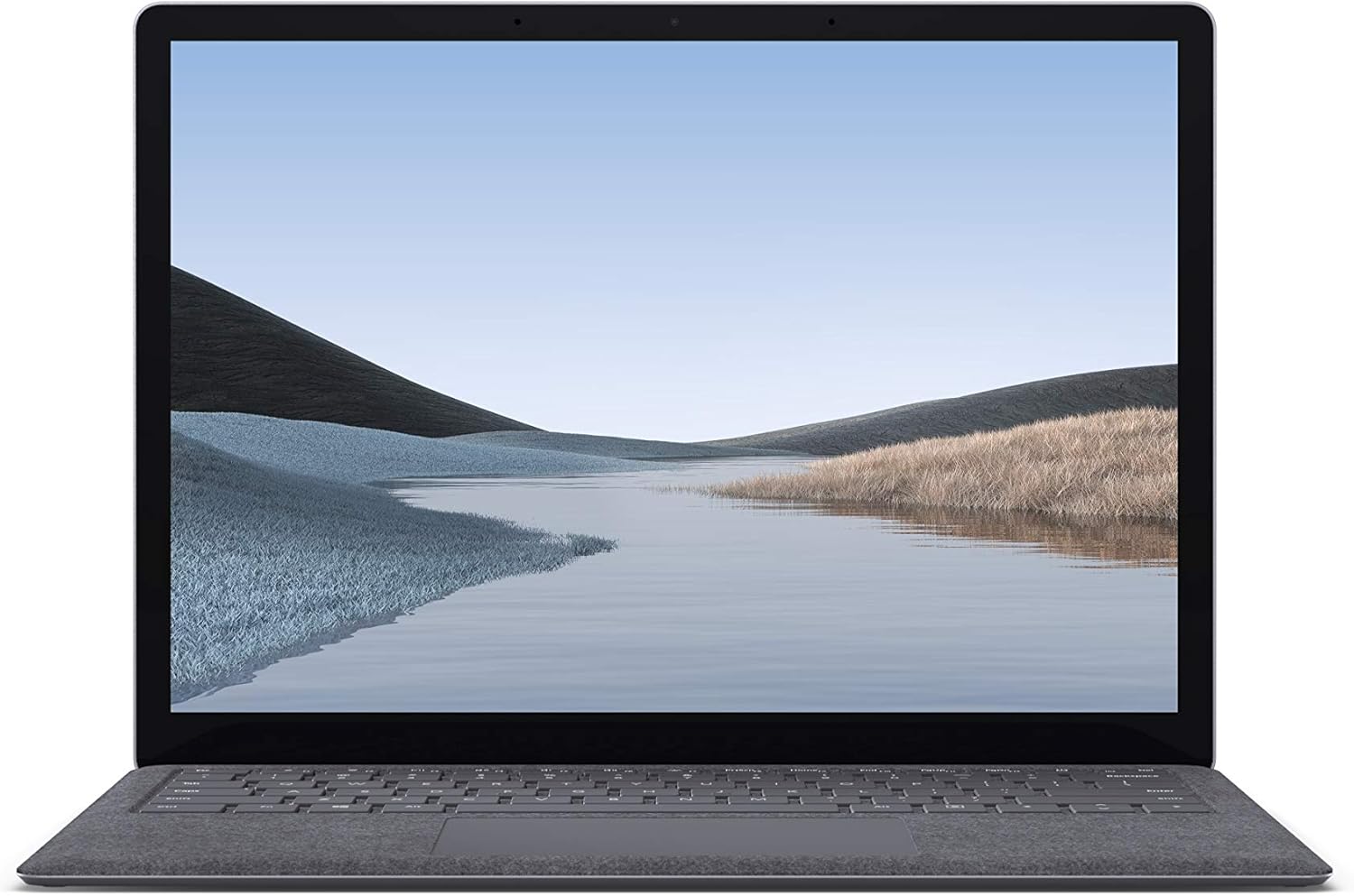
Setšoantšo sa 1.1: Pele view of the Microsoft Surface Laptop 3 with its display active.
The Surface Laptop 3 offers a clean, elegant design, weighing approximately 2.79 pounds, making it easy to carry. It features improved speed and performance with its 10th Gen Intel Core processors, offering up to two times faster performance than previous models. Connectivity options include USB-C and USB-A ports for connecting to displays, docking stations, and accessories. The device provides up to 11.5 hours of battery life and supports fast charging, reaching up to 80% in about one hour.
2. Se ka Lebokoseng
Upon unboxing your Microsoft Surface Laptop 3, verify that all the following items are present:
- Microsoft Surface Laptop 3 (Model VGY-00001)
- Tataiso ea Qalo e Potlakileng (QSG)
- Power Supply (AC adapter)
3. Seta
3.1 Matla a Pele a Buletsoe
- Kopanya Matla: Plug the power supply into a wall outlet and connect the magnetic Surface Connect port to your laptop. The LED indicator on the connector will light up when properly connected.
- Matlafatsa: Open the laptop lid or press the power button located on the keyboard.
- Ho theha Windows: Latela litaelo tse skrineng ho phethela Windows 10 ho seta lapeng. Sena se kenyelletsa ho khetha sebaka sa hau, ho hokela marang-rang a Wi-Fi, le ho theha ak'haonte ea mosebelisi.
- Windows Hello: Configure Windows Hello for secure and fast login using facial recognition.
3.2 Lithako tse hokelang
Your Surface Laptop 3 includes various ports for connecting external devices:
- Port ea USB-C: For data transfer, video output, and charging compatible devices.
- USB-A Port: For connecting traditional USB devices like mice, keyboards, and external storage.
- 3.5 mm Headphone Jack: Bakeng sa tlhahiso ea molumo ho li-headphone kapa libui tsa kantle.
- Surface Connect Port: For the power supply and compatible Surface docking stations.

Setšoantšo sa 3.1: Lehlakore view illustrating the available ports on the Surface Laptop 3.
4. Ho sebelisa Laptop ea Hau ea Bokaholimo ea 3
4.1 Display and Touchscreen
The 13.5-inch PixelSense touchscreen display offers a resolution of 2256 x 1504 pixels. It supports multi-touch gestures and is compatible with the Surface Pen (sold separately) for writing and drawing directly on the screen.
4.2 Keyboard le Touchpad
The full-size ergonomic keyboard features backlighting for comfortable typing in various lighting conditions. The large precision touchpad supports multi-finger gestures for navigation and control.
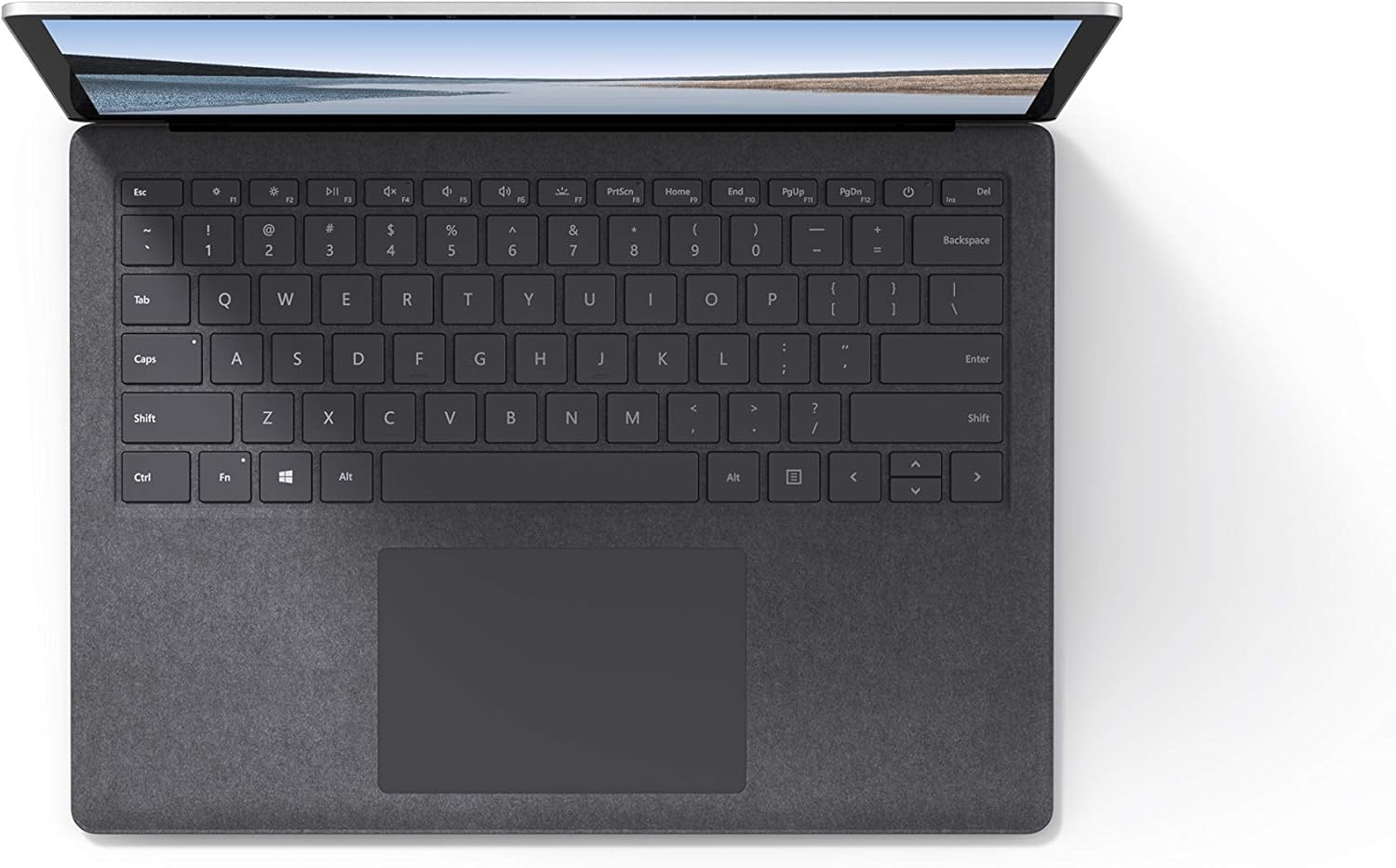
Setšoantšo sa 4.1: Ho ea holimo view of the keyboard and touchpad area.
4.3 Audio and Camera
The laptop is equipped with Omnisonic Speakers with Dolby Audio Premium for clear sound. Dual far-field Studio Mics enhance voice clarity for calls and recordings. A front-facing 720p HD camera supports video conferencing and Windows Hello facial authentication.
4.4 Khokahano e se nang mohala
The Surface Laptop 3 supports Wi-Fi 6 (802.11ax) for fast and reliable internet access, and Bluetooth 5.0 for connecting wireless accessories.
Video 4.1: Pontšo ea semmuso ea video ea Microsoftasing the Surface Laptop 3's features and design.
5. Tlhokomelo
5.1 Ho hloekisa Sesebelisoa sa Hao
- Sebelisa lesela le bonolo, le se nang linte dampened with water or an approved screen cleaner to clean the display.
- Bakeng sa keyboard le chassis, sebelisa lesela le bonolo, le omileng. Qoba lik'hemik'hale tse bohale kapa thepa e khorofo.
- Boloka likou li se na lerōle le lithōle.
5.2 Lintlafatso tsa Software
Kamehla hlahloba le ho kenya lintlafatso tsa Windows ho netefatsa ts'ebetso e ntle ka ho fetisisa, ts'ireletso le phihlello ea likarolo tsa morao-rao. Litlhophiso > Ntlafatsa & Tshireletso > Windows Update.
Tlhokomelo ea Battery
- Qoba mocheso o feteletseng.
- For optimal battery longevity, avoid consistently discharging the battery to 0% or keeping it at 100% for extended periods.
- Sebelisa feela motlakase o fanoeng.
6. Ho rarolla mathata
6.1 Mathata a Matla
- Sesebelisoa ha se laete: Ensure the power supply is securely connected and the outlet is functional. Try a forced shutdown by holding the power button for 30 seconds, then release and press again briefly to restart.
- Battery ha e tjhaje: Verify the Surface Connect cable is properly attached. Check for any damage to the cable or port.
6.2 Mathata a Tshebetso
- Ts'ebetso e liehang: Close unnecessary applications. Check Task Manager for resource-intensive processes. Ensure Windows is up to date.
- Ho chesa haholo: Ensure ventilation vents are not blocked. Avoid using the laptop on soft surfaces that can obstruct airflow.
6.3 Mathata a Khokahano
- Wi-Fi ha e hokahane: Restart your router and the laptop. Check Wi-Fi settings and ensure the correct network is selected and password entered.
- Sesebelisoa sa Bluetooth ha se tsamaisane: Ensure the Bluetooth device is in pairing mode and within range. Check Bluetooth settings on your laptop.
7. Litlhaloso
| Sebopeho | Lintlha |
|---|---|
| Brand | Microsoft |
| Lebitso la Mohlala | Laptop e kaholimo ea 3 |
| Nomoro ea Mohlala | VGY-00001 |
| Boholo ba skrine | 13.5 lisenthimithara |
| Qeto | 2256 x 1504 Pixels |
| Mohlala oa CPU | Intel Core i5 (10th Generation) |
| Lebelo la processor | 1.2 GHz (up to 3.7 GHz with Turbo Boost) |
| Memori ea RAM e kentsoeng boholo | 8 GB LPDDR4 |
| Boholo ba Hard Disk | 128 GB SSD |
| Mokhoa oa tšebetso | Windows 10 Home (Free Upgrade to Windows 11 when available) |
| Coprocessor ea Graphics | Intel Iris Plus |
| Theknoloji ea Khokahano | 1 x USB-C, 1 x USB-A, 3.5 mm headphone jack, 1 x Surface Connect port |
| Theknoloji e se nang mohala | Wi-Fi 6 (802.11ax), Bluetooth 5.0 |
| Bophelo ba Battery | Ho fihlela lihora tse 11.5 |
| Boima ba Ntho | 2.79 Liponto |
| Dimensions (L x W x Thickness) | 8.8"L x 12.1"W x 0.57"Th |
| Khamera | Front-facing 720p HD camera with Windows Hello face authentication |
| Audio | Omnisonic Speakers with Dolby Audio Premium, Dual far-field Studio Mics |
8. Tiisetso le Tšehetso
8.1 Warranty ea Sehlahisoa
The Microsoft Surface Laptop 3 (Model VGY-00001) comes with a Tiisetso e lekanyelitsoeng ea moetsi oa lilemo tse 1. This warranty covers defects in materials and workmanship under normal use. For specific terms and conditions, please refer to the warranty documentation included with your product or visit the official Microsoft support websebaka.
8.2 Tšehetso ea Bareki
For technical assistance, troubleshooting, or warranty claims, please contact Microsoft Support. You can find contact information and additional resources on the official Microsoft Surface support website. Keep your proof of purchase and product serial number readily available when contacting support.
Ts'ehetso ea Marang-rang: Etela support.microsoft.com/surface bakeng sa FAQs, driver, le software downloads.