
ecobee EB-STATE5-01
ecobee SmartThermostat with Voice Control User Manual
Model: EB-STATE5-01
Selelekela
The ecobee SmartThermostat with Voice Control is designed to provide enhanced comfort, increased energy savings, and advanced control over your home's climate. This programmable Wi-Fi thermostat integrates seamlessly with various smart home systems and includes a SmartSensor for improved temperature management.
Ho seta le ho Kenya
Installing your ecobee SmartThermostat is designed to be straightforward, typically taking about 45 minutes. All necessary components, aside from basic tools, are included in the box.

Image: Contents of the ecobee SmartThermostat box, including the thermostat, SmartSensor, mounting plate, wire labels, and installation guides.
Likarolo tse Kenyelelitsoeng:
- ecobee SmartThermostat
- ecobee SmartThermostat mounting plate
- SmartSensor with detachable stand
- Installation & Quickstart guide
- Li-Labels tsa Mohala
- Letlapa le Leholo la Trim
Tšebelisano:
The ecobee SmartThermostat is compatible with most 24VAC HVAC systems, including furnaces, ACs (2H/2C), heat pumps (2H/2C + 2 stage AUX), boilers, PTACs, and fan coil units (3 fan speeds). A Power Extender Kit is included for homes without a C-Wire, ensuring broad compatibility.

Image: A detailed table outlining compatible HVAC system types, required number of wires, and specific wire labels needed for installation.
Bakeng sa litaelo tse qaqileng tsa mohato ka mohato, ka kopo sheba ofisiri Buka ea ho kenya (PDF).
Operating Your SmartThermostat
The ecobee SmartThermostat offers multiple ways to control your home's temperature, adapting to your routine for optimal comfort and energy efficiency.

Image: The ecobee SmartThermostat displaying temperature and humidity, alongside the compact SmartSensor.
SmartSensor Functionality:
The included SmartSensor helps eliminate hot or cold spots by detecting occupancy and temperature in the rooms that matter most. This allows the thermostat to adjust the temperature based on where you are, not just where the thermostat is located.

Image: A small, white ecobee SmartSensor placed discreetly on a wooden shelf, demonstrating its compact size and ease of placement.
Taolo ea Remote le ea Lentsoe:
Control your thermostat from anywhere using the ecobee app on your iOS or Android device. The SmartThermostat also features built-in Siri and Alexa for hands-free voice control.

Image: A smartphone screen displaying the ecobee Smart Security app interface, indicating remote control capabilities.
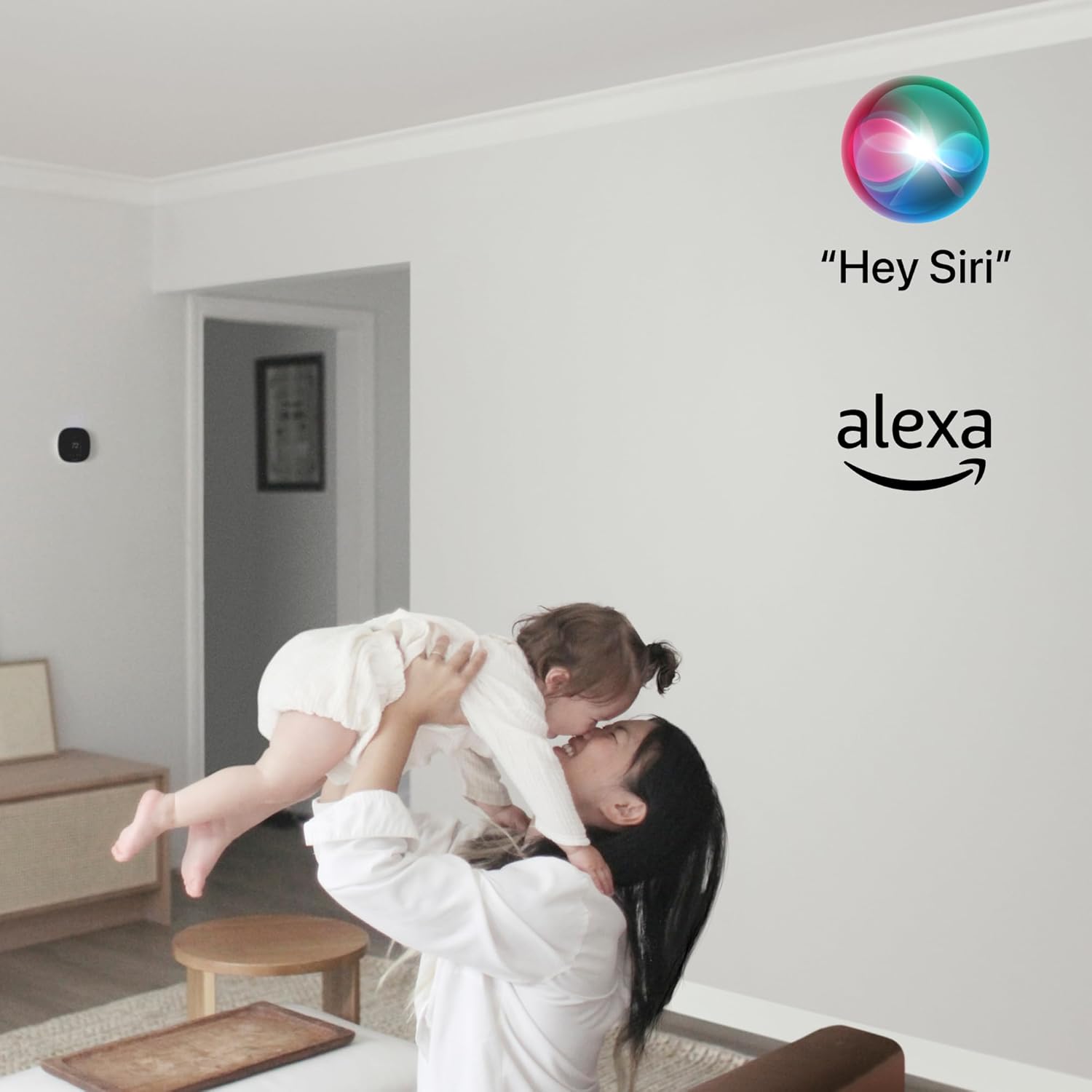
Image: The Siri and Alexa logos floating above a person holding a baby, illustrating the voice control integration of the thermostat.
Smart Home Integration:
The ecobee SmartThermostat integrates seamlessly with popular smart home systems, including Apple HomeKit, Amazon Alexa, Google Assistant, and SmartThings, allowing for a unified smart home experience.

Image: A graphic displaying the 'Works with' logos for Apple HomeKit, Alexa built-in, Google Assistant, and SmartThings, highlighting broad compatibility.
Ho Boloka Matla:
The SmartThermostat is ENERGY STAR certified and can help save up to 26% per year on heating and cooling costs. Its built-in occupancy sensor automatically adjusts the temperature for energy savings when you leave home and restores comfort settings upon your return.

Image: The ecobee SmartThermostat mounted on a wall, with the ENERGY STAR logo and a 'Tom's Guide Best in Class' badge, emphasizing its efficiency and recognition.
Tlhokomelo
To ensure optimal performance and longevity of your ecobee SmartThermostat, regular maintenance is recommended.
- Ho hloekisa: Gently wipe the screen and exterior with a soft, damp lesela. Qoba li-abrasive cleaners kapa solvents.
- Lintlafatso tsa Software: Ensure your thermostat's software is up to date. Updates are typically delivered automatically via Wi-Fi.
- Sebaka sa Sensor: Periodically check that SmartSensors are placed optimally and are not obstructed, ensuring accurate readings.
Ho batle phoso
If you encounter issues with your ecobee SmartThermostat, consider the following common troubleshooting steps:
- Ha ho Matla / Pontšo e Koetsoeng: Verify that the thermostat is properly connected to your HVAC system and that the Power Extender Kit (if used) is correctly installed. Check your circuit breaker.
- Mathata a Khokahano ea Wi-Fi: Ensure your home Wi-Fi network is active and within range. Try restarting your Wi-Fi router. If issues persist, re-enter your Wi-Fi credentials on the thermostat.
- Lipalo tse Fosahetseng tsa Mocheso: Confirm that SmartSensors are not placed near heat sources (e.g., direct sunlight, lamps) or drafts. Ensure they are clean and unobstructed.
- HVAC System Not Responding: Check the thermostat's system mode (Heat, Cool, Auto, Off). Ensure wiring connections are secure at both the thermostat and HVAC control board.
- Taolo ea Lentsoe ha e sebetse: Verify that Siri or Alexa is enabled in the thermostat settings and that the microphone is not muted. Check your internet connection.
For more detailed troubleshooting or complex issues, refer to the comprehensive Buka ea ho kenya (PDF) or contact ecobee customer support.
Litlhaloso
| Sebopeho | Lintlha |
|---|---|
| Brand | ecobee |
| Lebitso la Mohlala | ecobee SmartThermostat with Voice Control |
| Litekanyo tsa Sehlahisoa | 1"D x 4.29"W x 4.29"H |
| Mofuta oa Molaoli | IFTTT, Apple HomeKit, Google Assistant, Amazon Alexa, SmartThings |
| Tšobotsi e Khethehileng | Uses SmartThermostat’s built-in occupancy sensor to automatically adjust the temperature for energy savings when you leave home and restore your comfort settings when you return. |
| Mmala | Ntsho |
| Tšebeliso e khethehileng Bakeng sa Sehlahisoa | Pompo ea Mocheso |
| Mofuta oa Taolo ea Mocheso | Ho futhumatsa, ho pholisa |
| Theknoloji ea Khokahano | WiFi |
| Mohloli oa Matla | AC DC |
| Boima ba Ntho | 0.01 Lionsi |
| Moqtage | Li-volts tse 230 |
| Mofuta oa Pontšo | LCD |
| Mokhoa oa ho Laola | Lentsoe |
| Mofuta oa ho Beha | Thaba ea Lerako |
| Backlight | Ee |
| Nomoro ea Libetri | Ho hlokahala libeteri tse 1 tsa Lithium Metal. (kenyelleditswe) |
| UPC | 627988003009 |
| Nomoro ea mohlala oa ntho | EB-STATE5-01 |
Warranty le Tšehetso
The ecobee SmartThermostat comes with a Tiisetso e lekantsoeng ea selemo se le seng.
For further assistance, detailed guides, or to contact customer support, please refer to the official Buka ea ho kenya (PDF) or visit the ecobee support websebaka.
Ask a question about this manual
Ask about setup, troubleshooting, compatibility, parts, safety, or missing instructions. Manuals+ will review the question and use this page’s manual context to help answer it.